How to change your display name on Pitch
Here is how to change your display name on pitch
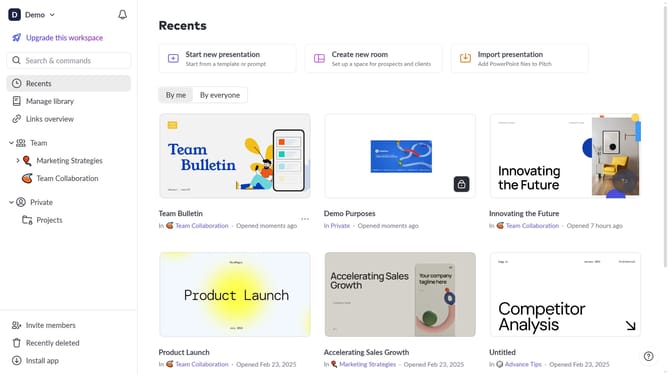
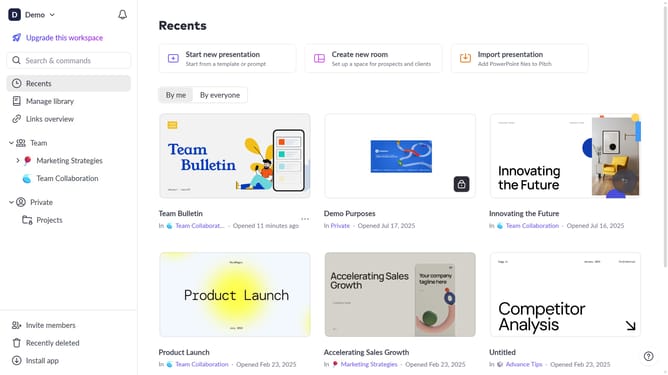
- First click on the dropdown next to your workspace name in the header
- Select "Account settings" in the expanded workspace menu
- In the "Account settings" modal, click on the arrow next to "Name"
- Next, click on the "Edit" button
- Then, enter your new account name
- Finally click on the "Save changes" button
Why should you change your display name on Pitch
Pitch is a dynamic tool designed for collaborative presentation design, helping teams create stunning presentations together.
Changing your display name on Pitch is a simple yet powerful way to personalize your workspace, making your contributions easily identifiable to collaborators.
By updating your display name, you enhance team communication and create a personalized touch in your interactions, fostering a more engaging and personalized work environment.
It's a small change that contributes significantly to the clarity and professionalism of your presentation efforts.
Last update