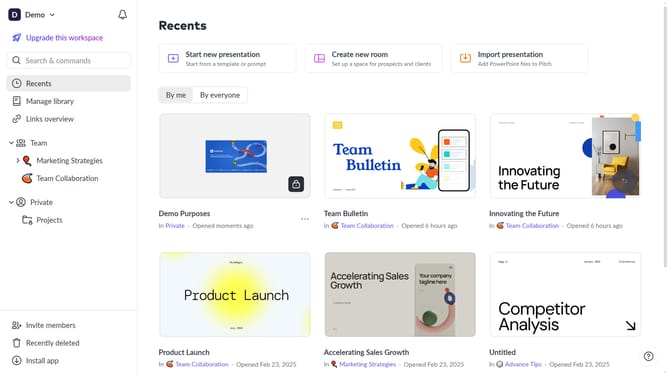
How to unsubscribe from a presentation on Pitch
Here is how to unsubscribe from a presentation on pitch
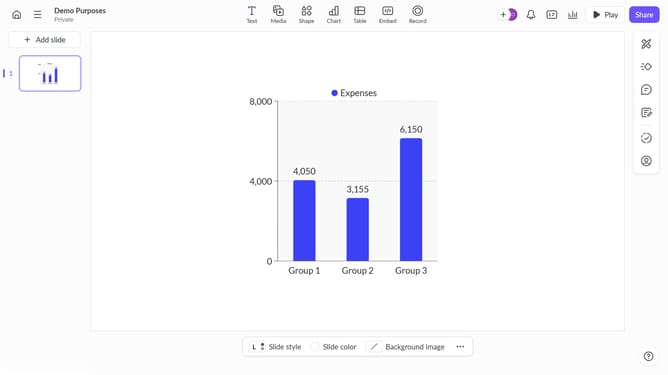
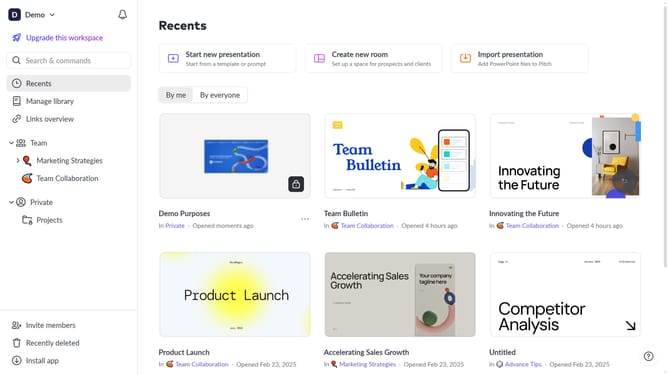
- First, open the presentation you want to unsubscribe from
- Next, click on the presentation menu in the top left corner
- Then, click on the "Unsubscribe" option in the dropdown menu
Why should you unsubscribe from a presentation on Pitch
Pitch is an innovative platform that transforms presentations by offering collaborative and creative tools.
Unsubscribing from a presentation on Pitch is a seamless feature designed to enhance user control and personalization.
This feature ensures a clutter-free environment, allowing users the autonomy to manage their content engagement effectively.
Utilizing this feature streamlines your workflow, ensuring you stay focused only on the most relevant presentations without unnecessary distractions.
Last update