How to subscribe to a presentation on Pitch
Here is how to subscribe to a presentation on pitch
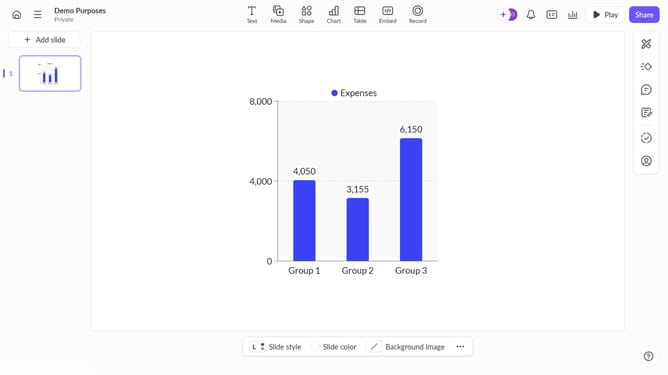
- First, open the presentation you want to subscribe to
- Next, click on the presentation menu in the top left corner
- Then, select the "Subscribe" option in the dropdown menu
Why should you subscribe to a presentation on Pitch
Pitch is a dynamic platform revolutionizing the way teams create stunning presentations collaboratively.
Subscribing to a presentation on Pitch allows you to stay updated and effortlessly keep track of any modifications made.
This feature is invaluable for staying in the loop with team updates, ensuring everyone remains aligned.
Enjoy seamless, real-time collaboration with automatic notifications, enhancing productivity and reducing miscommunications.
Last update