How to apply the Slide Down enter animation to a block on Pitch
Here is how to apply the slide down enter animation to a block on pitch
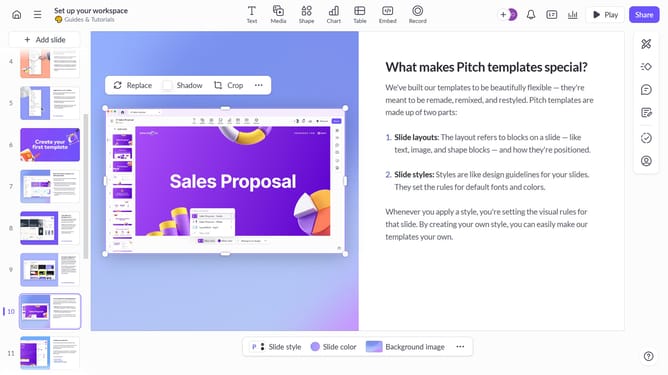
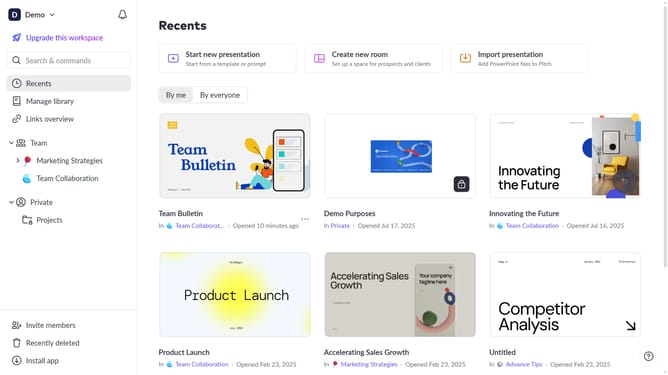
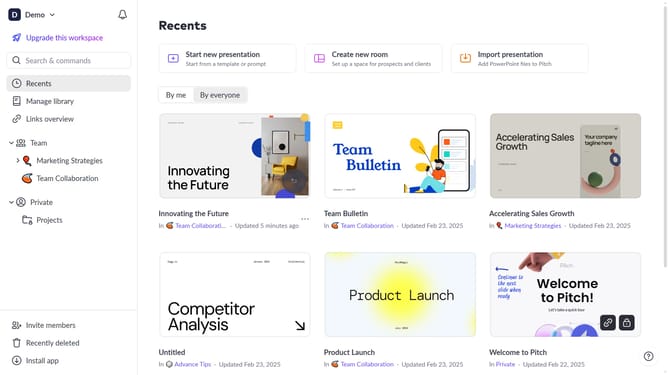
- First, open the presentation containing the block you want to animate
- From the left sidebar, select the slide containing the block
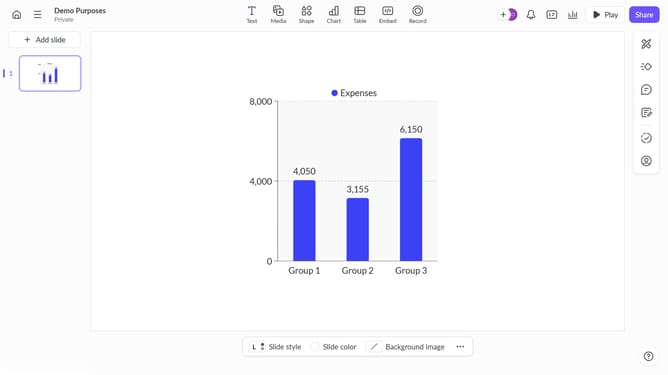
- Next, select the block you want to animate (such as a text block, image, shape, or other content block)
- In the right sidebar, click on the "Animate" option
- Then, select the "Enter" tab
- Finally, select "Slide down" from the available animation options
Why should you apply the Slide Down enter animation to a block on Pitch
Pitch is a dynamic platform designed to revolutionize collaborative presentations with ease and creativity.
The Slide Down enter animation is a standout feature on Pitch, offering a seamless way to enhance the visual appeal of your blocks. By applying this animation, you create a smooth and engaging experience that can captivate your audience from the get-go.
Utilizing the Slide Down animation not only adds a professional touch but also helps emphasize key information effectively. It directs attention naturally and ensures your presentation remains memorable and impactful.
Last update