How to edit your brand kit details in ActiveCampaign
Here is how to edit your brand kit details in activecampaign
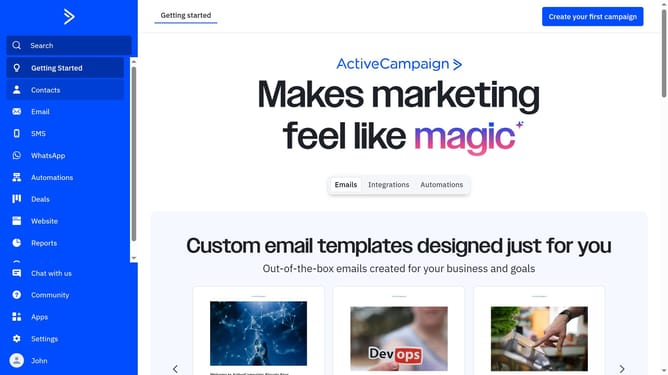
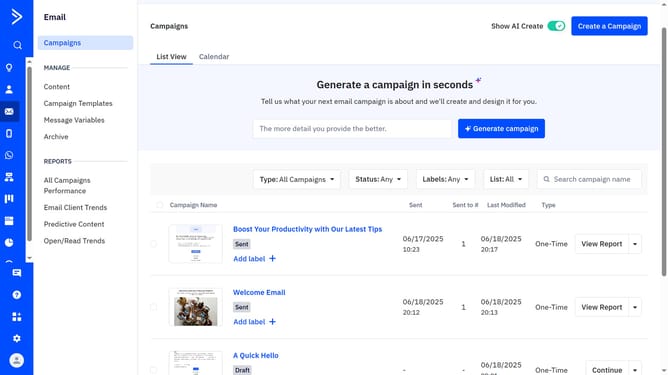
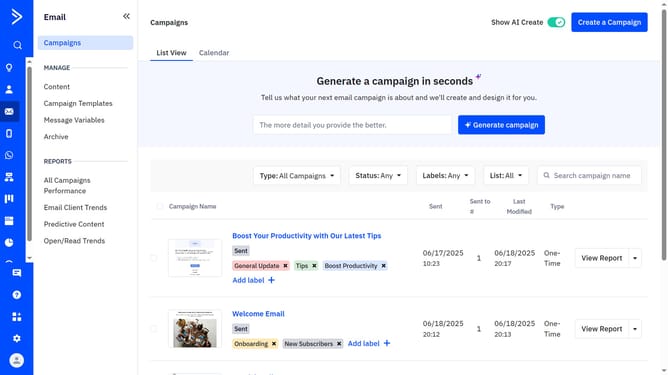
- First click on "Campaign Templates" in the left sidebar menu
- Then click on "Use AI templates" button in the top-right corner
- Next click on "Edit your brand kit" link in the top-right section
- Click on "Brand kit details" tab in the brand kit editor
- Then, update your brand details such as the brand name, company name, industry, mission statement, and company description as needed
- Finally once done, click "Save brand" button to apply the changes
Why should you edit your brand kit details in ActiveCampaign
ActiveCampaign is a dynamic platform designed to streamline your marketing, automation, and CRM efforts.
Editing your brand kit details in ActiveCampaign is a powerful feature that allows you to harmonize your marketing assets with your current brand identity. Keeping your brand kit updated ensures consistency across all communications, reinforcing your company's identity.
Utilizing this feature enhances brand recognition, establishes trust with customers, and ensures cohesive marketing campaigns, ultimately leading to stronger customer relationships and increased brand loyalty.
Last update