How to access brand kit colors in the Email Designer in ActiveCampaign
Here is how to access brand kit colors in the email designer in activecampaign
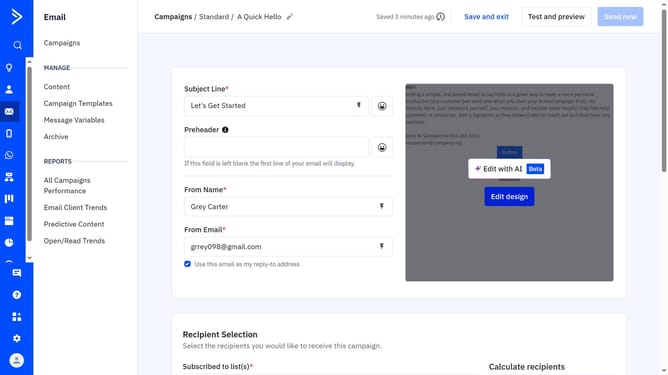
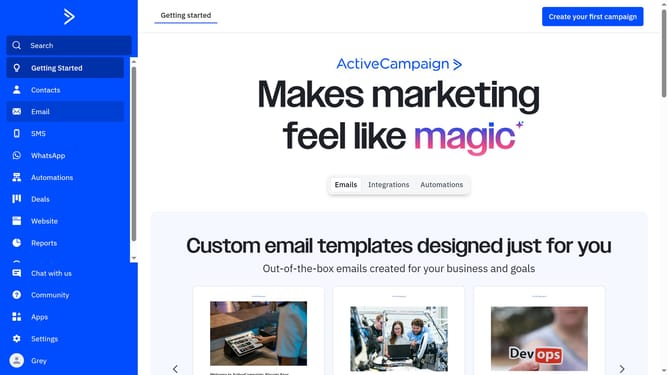
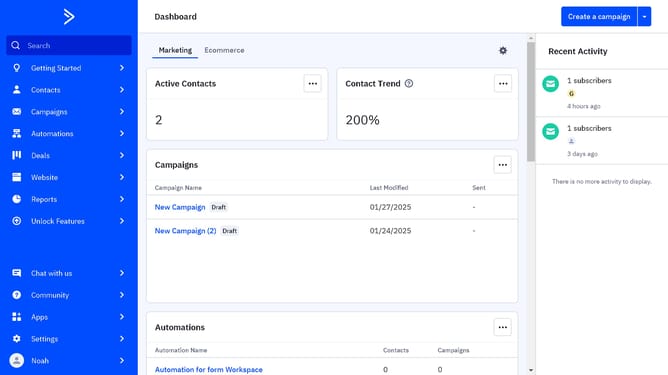
- First navigate to Email and click on "Campaigns" in the left sidebar menu
- Next click the name of a campaign to open it or create a new campaign
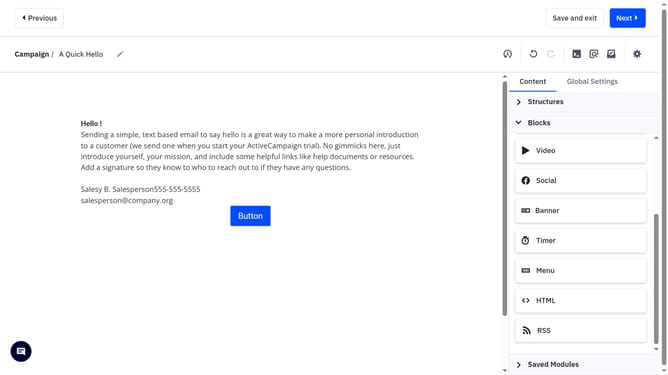
- Click on "Edit design" button on the right in the email preview section
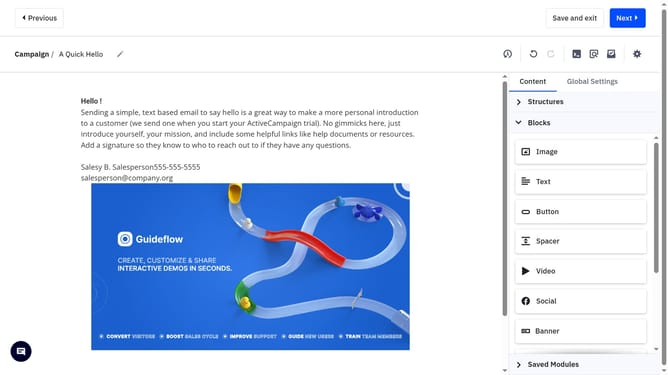
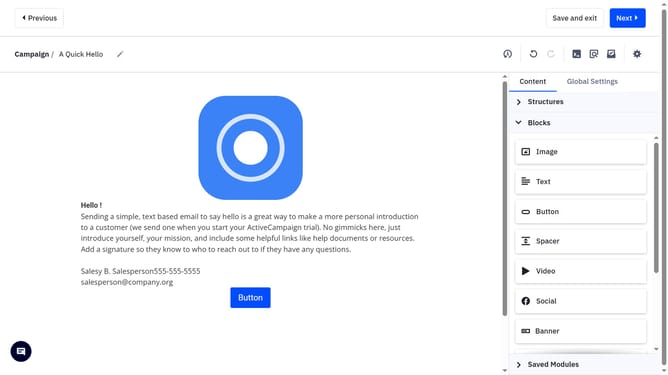
- Then click on the section or container you want to apply a color
- In the right-hand panel, locate and click the color field (e.g., background, text, border)
- Your brand colors will appear at the top of the "Saved" tab in the color picker
- Finally click on any of the colors to apply it instantly to your selected element
Why should you access brand kit colors in the Email Designer in ActiveCampaign
ActiveCampaign empowers businesses to engage their audience using intelligent email automation.
The Email Designer in ActiveCampaign offers a streamlined feature that allows you to access your brand kit colors effortlessly.
This integration ensures your emails consistently reflect your unique brand identity, maintaining visual coherence across all communications.
By using brand kit colors, your marketing materials become instantly recognizable, reinforcing brand loyalty and enhancing customer trust.
Last update