How to add ALT text to an image in ActiveCampaign
Here is how to add alt text to an image in activecampaign
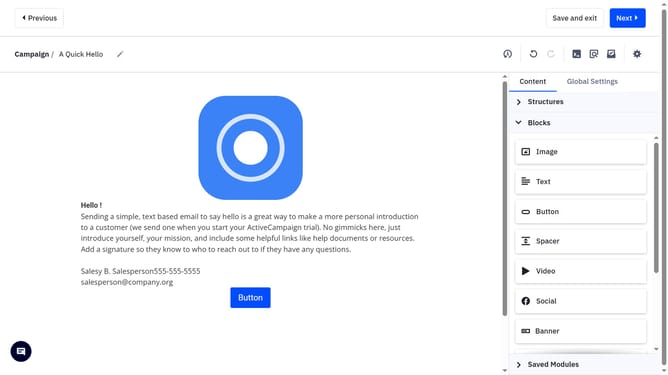
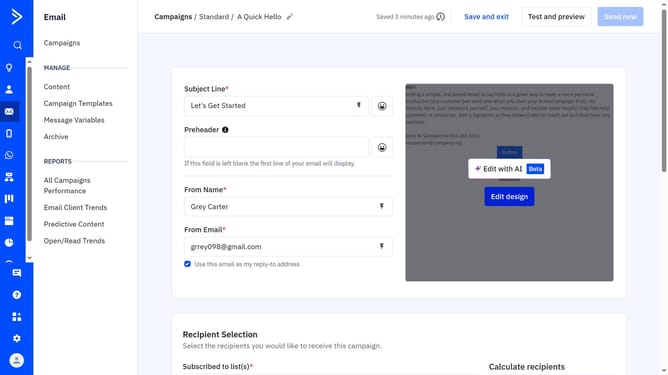
- First, open your campaign in the Email Designer to begin editing
- Next click the image in your email to open its settings
- Then in the right-hand panel, locate the "Alternate text" option
- Finally enter a short, descriptive phrase that explains the image’s content in the alternate text field
Why should you add ALT text to an image in ActiveCampaign
ActiveCampaign is a robust platform designed to streamline email marketing and automation for businesses of all sizes.
Adding ALT text to an image in ActiveCampaign enhances accessibility by providing text descriptions for visually impaired users, ensuring inclusivity in your email campaigns.
Moreover, ALT text is crucial for SEO, improving image relevance and helping search engines index your content more effectively, leading to better visibility and engagement.
By utilizing this feature, businesses can optimize their digital communication, reaching broader audiences and fostering a more inclusive online presence.
Last update