How to create an AI-generated campaign from the Overview page in ActiveCampaign
Here is how to create an ai-generated campaign from the overview page in activecampaign
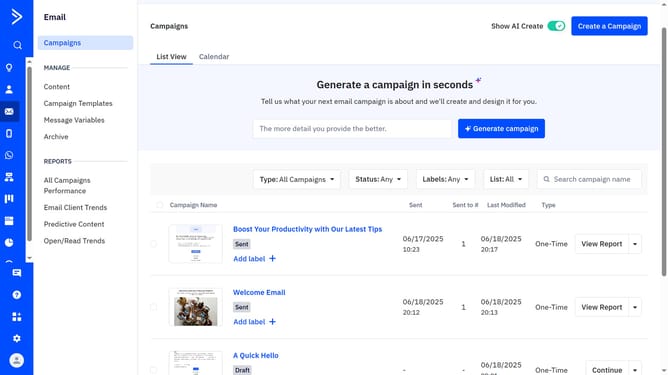
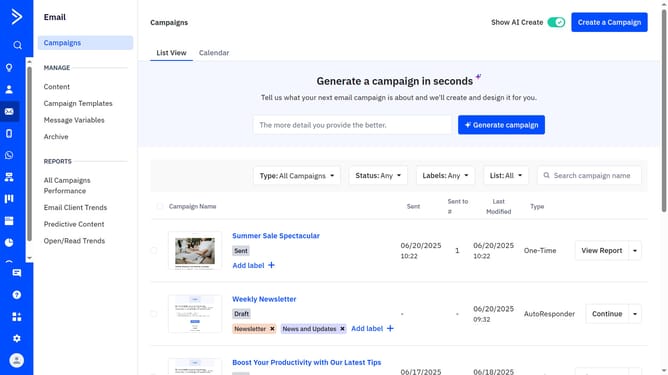
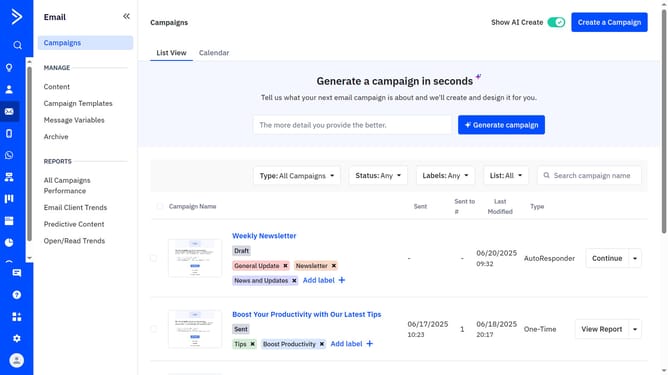
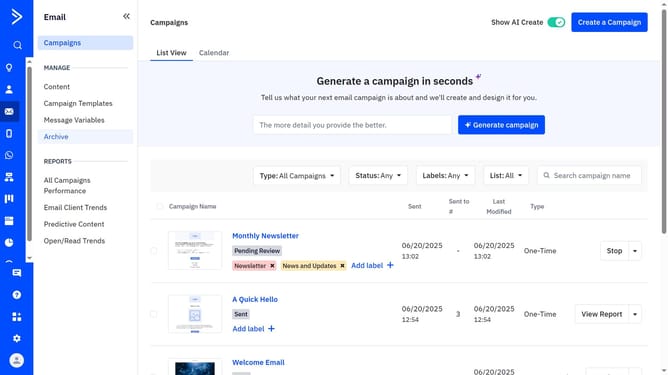
- First click on the "Campaigns" tab in the left sidebar to open the Campaigns Overview page
- In the “Generate a campaign in seconds” field at the top of the page, type a detailed prompt describing your desired email campaign (include subject, colors, themes, and patterns)
- Next click the "Generate campaign" button
- ActiveCampaign will build a draft with subject line, preheader, layout, images, and content
- You can edit, use the left panel to add feedback for messaging, then re-generate if needed
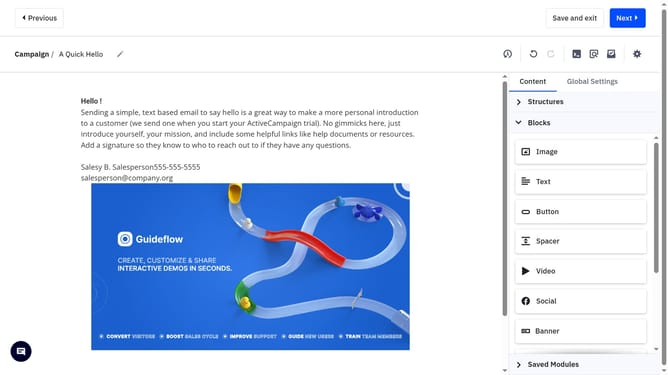
- To make manual edits, click "Edit in campaign designer"
- Then, in the Designer, make your changes and any necessary adjustments
- Once you're done editing, click "Next" to proceed
- Next complete the information on the Campaign settings page (recipients, schedule, etc.)
- Then click "Send now" button in the top-right corner
- Finally click "Send now" in the confirmation dialog popup
Why should you create an AI-generated campaign from the Overview page in ActiveCampaign
ActiveCampaign streamlines communication with its advanced marketing automation capabilities.
Creating an AI-generated campaign from the Overview page is a feature designed to boost creativity and efficiency. By leveraging AI, users can quickly generate content tailored to specific audience segments, ensuring messages are relevant and engaging.
This approach saves time and enhances the effectiveness of marketing efforts, enabling businesses to maintain consistent, high-quality interactions with their audience.
Last update