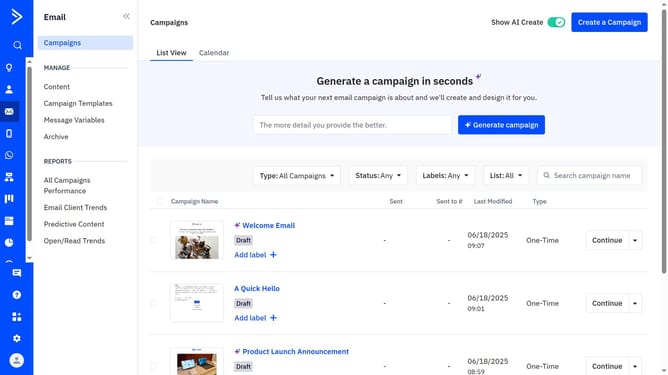
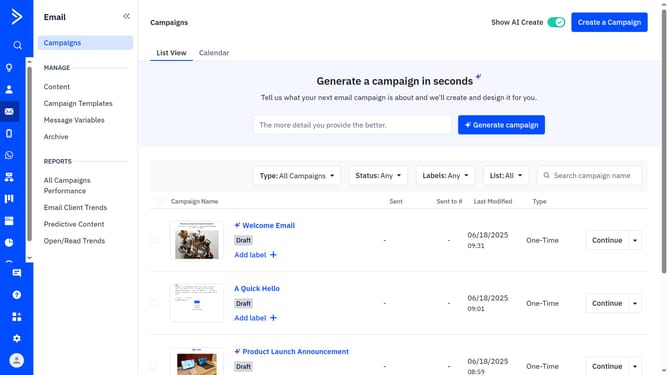
How to edit your brand kit’s company URL in ActiveCampaign
Here is how to edit your brand kit’s company url in activecampaign
- First click on the "Use AI templates" button in the top right corner of the templates page
- Then click "Edit your brand kit" in the top right corner of the "Made for you, in your brand" section
- Click the "Brand assets" tab in the brand kit editor
- Next locate the Company URL field and enter your new or updated URL
- Click the "Import my brand kit" button next to the URL field
- Then in the confirmation dialog, click "Yes, overwrite my brand" button. Unsaved changes to the current brand kit will not be saved
- The brand information such as logo, fonts, colors, brand kit name, and company name will be extracted from the URL provided, depending on the site's available data
- Finally, click the "Save brand" button to confirm the changes
Why should you edit your brand kit’s company URL in ActiveCampaign
ActiveCampaign is a powerful platform designed to enhance customer engagement through intelligent automation and personalized outreach.
One valuable feature is the ability to edit your brand kit's company URL, which ensures your branding is consistently represented across communications.
Updating your company URL allows for seamless integration and uniformity, enhancing brand recognition while maintaining professional presentation.
This straightforward process not only strengthens brand identity but also fosters trust and reliability among recipients.
Last update