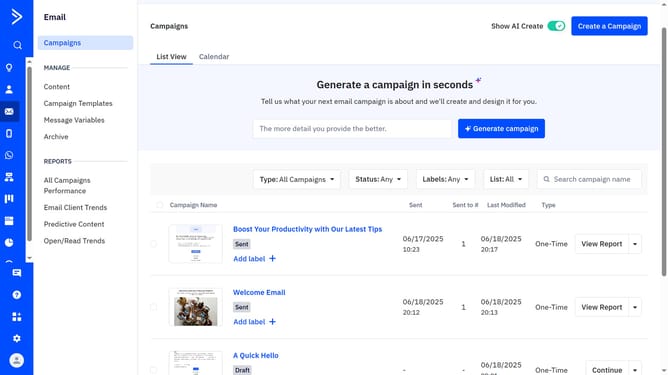
How to edit a label in ActiveCampaign
Here is how to edit a label in activecampaign
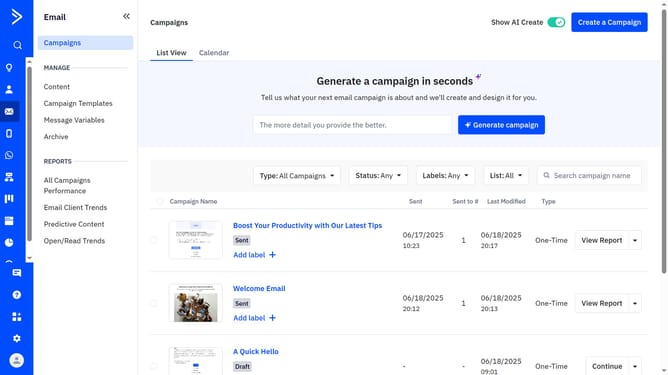
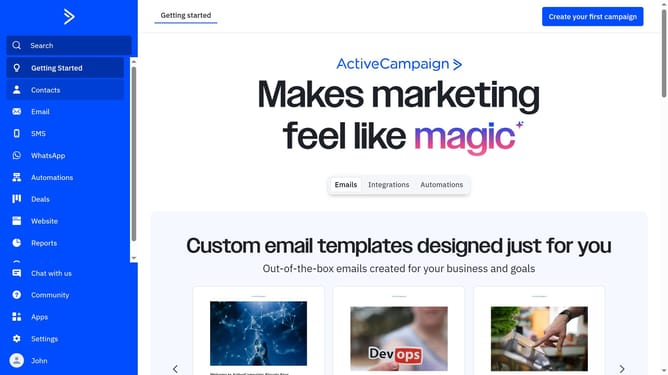
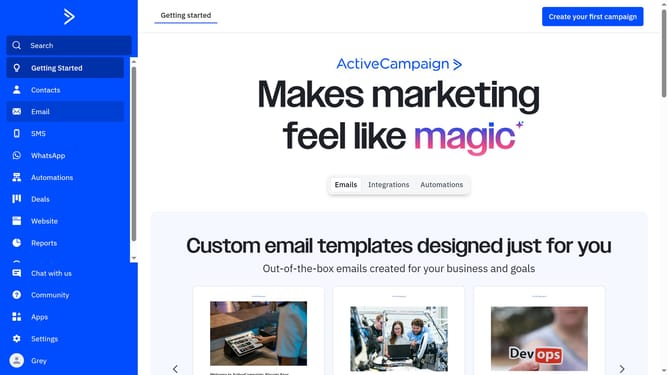
- First navigate to Email and click on "Campaigns" in the left sidebar menu
- From the list of campaigns, locate and click the label you want to edit
- Next in the Edit Label modal window, type the updated name
- Then choose a new color for the label if needed
- Finally click on the "Save" button to apply your changes
Why should you edit a label in ActiveCampaign
ActiveCampaign is a powerful platform designed to enhance customer engagement through intelligent automation and personalization.
One feature that stands out is the ability to edit labels, allowing users to better organize and manage their communications.
This functionality is crucial for maintaining clarity and ease of access among numerous tags which can refine the targeting and categorization of contacts.
Renaming and adjusting labels not only streamlines workflow but also optimizes campaign efficiency, ensuring that your marketing efforts are both precise and impactful.
Last update