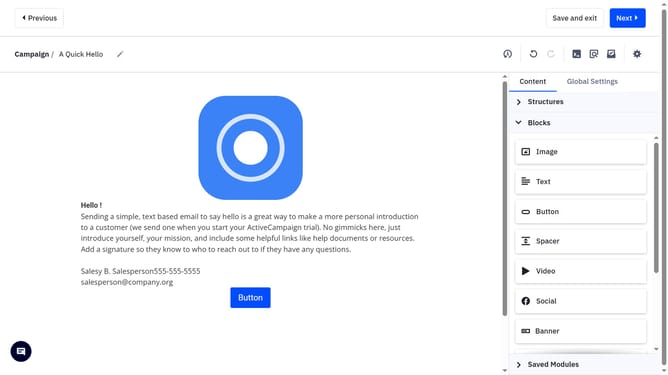
How to resize an image in a campaign in ActiveCampaign
Here is how to resize an image in a campaign in activecampaign
- First, open your campaign and enter the Email Designer to begin editing
- From the email designer, click the image you want to resize
- Next locate the "Size" option in the right panel
- Then you can use the minus and plus icons to adjust the image size incrementally
- Alternatively, enter a specific width directly into the provided field
Why should you resize an image in a campaign in ActiveCampaign
ActiveCampaign is a powerful platform designed to enhance your email marketing and automation efforts.
Resizing an image in a campaign within ActiveCampaign is a straightforward task, providing flexibility and control over your content's presentation.
By resizing images, you ensure that your visuals perfectly fit within the layout, enhancing readability and aesthetic appeal.
This feature optimizes your campaign, offering a seamless and professional appearance that engages recipients effectively.
Last update