How to create a new label for a campaign in ActiveCampaign
Here is how to create a new label for a campaign in activecampaign
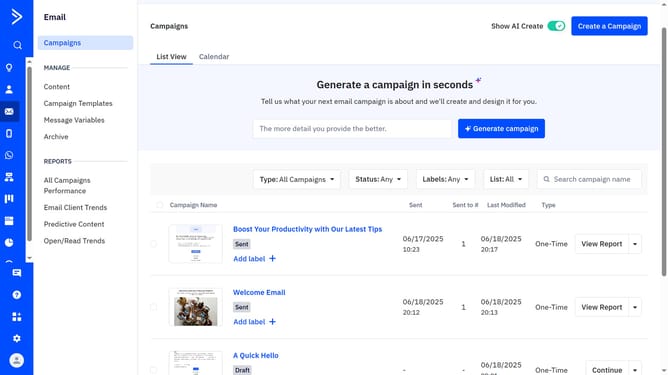
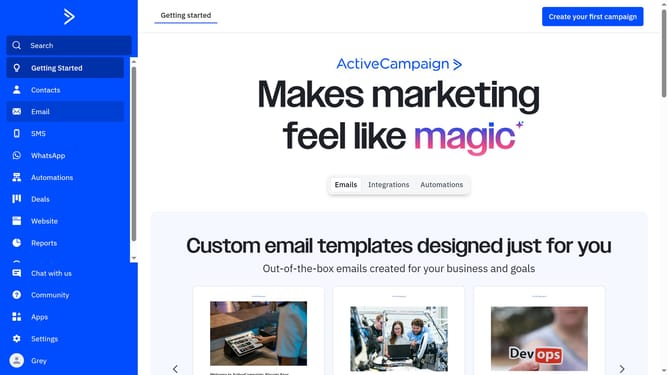
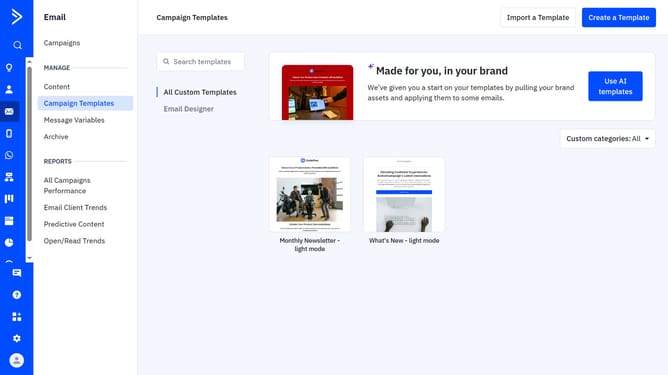
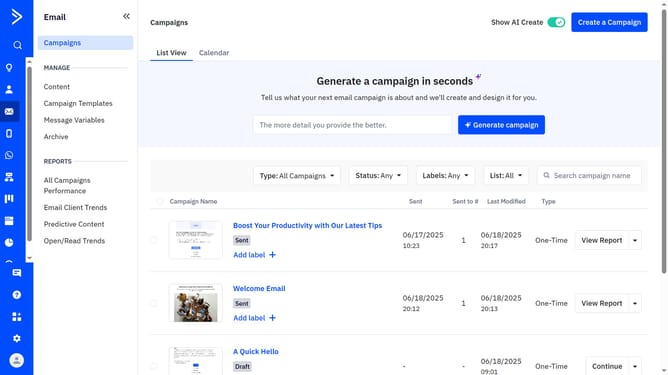
- First navigate to Email and click on "Campaigns" in the left sidebar navigation
- Next locate and hover over the campaign you want to label
- Click on the "Add label +" below the campaign name
- Then click on the "Create label" option in the modal
- Next enter the label name into the field provided of the Create New Label dialog
- Then select a color from the Label Color choices
- Finally click the "Create" button to create the label
Why should you create a new label for a campaign in ActiveCampaign
ActiveCampaign is a versatile platform designed to enhance customer engagement through powerful marketing automation.
Creating a new label for a campaign in ActiveCampaign is a simple yet impactful feature. It allows users to effortlessly categorize and organize their campaigns for improved visibility and management.
Using labels, you can streamline workflow and enhance collaborative efforts within your team. This ensures that every campaign is easy to track and analyze, ultimately maximizing your marketing effectiveness.
Last update