How to view basic campaign details from the Campaign Overview in ActiveCampaign
Here is how to view basic campaign details from the campaign overview in activecampaign
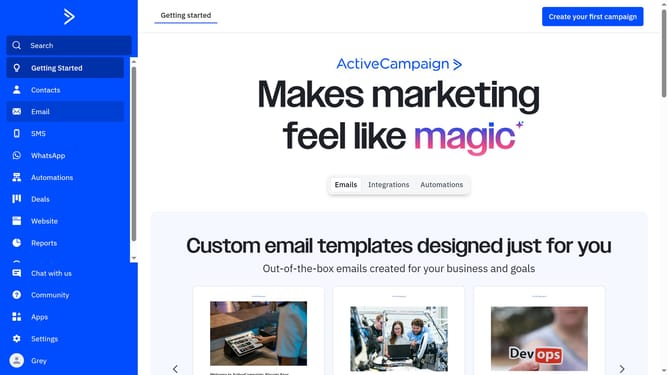
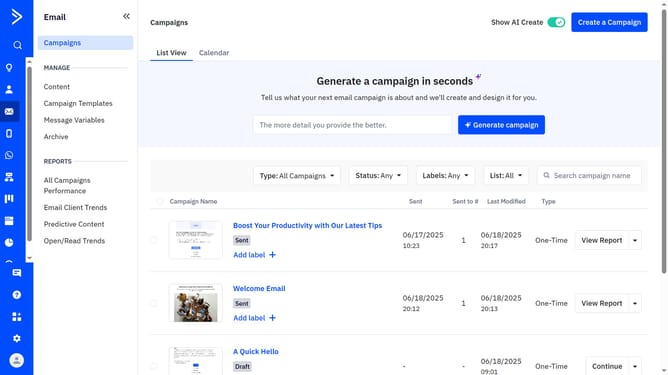
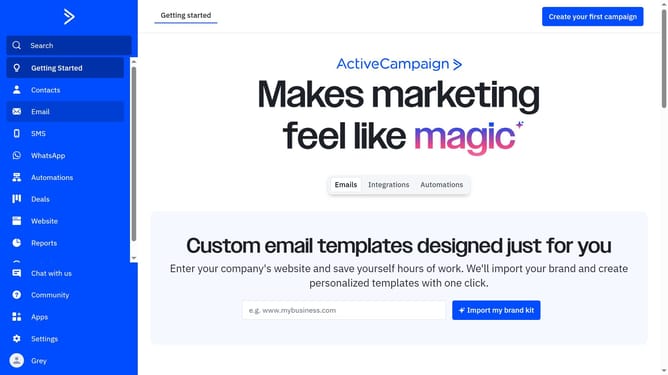
- First click on the "Email" option in the left sidebar menu
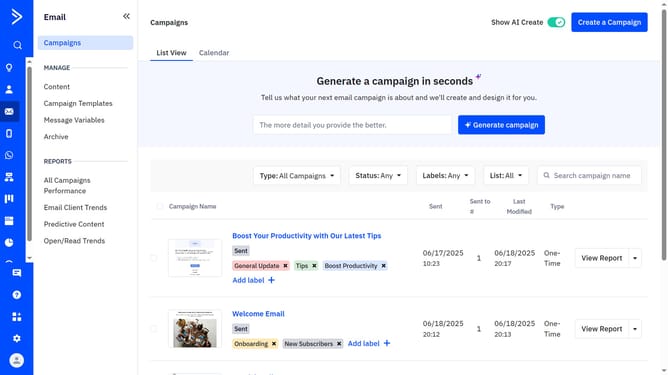
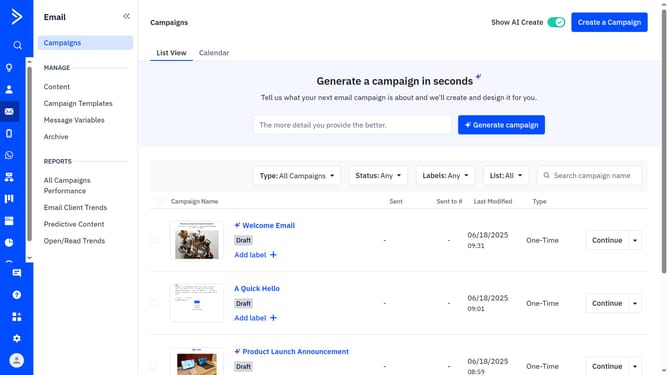
- Then click on the "Campaigns" tab in the sub-menu section
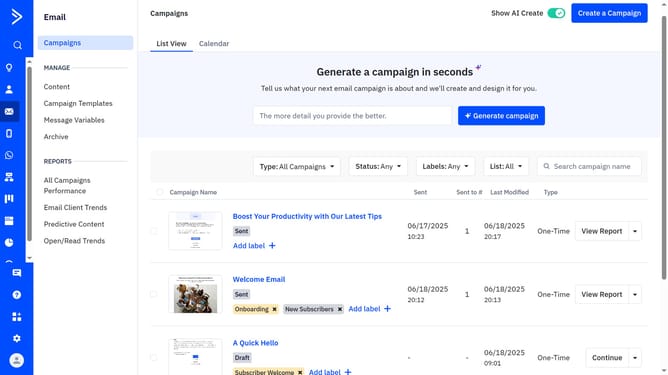
- At the top of the page, click either the "List View" or "Calendar" tab
- Next find and click the name of the sent campaign you want to check from the campaign list
- Finally, a details modal will appear, displaying the basic information for that campaign
Why should you view basic campaign details from the Campaign Overview in ActiveCampaign
ActiveCampaign provides powerful solutions to enhance customer experience through its comprehensive marketing automation platform.
Accessing basic campaign details from the Campaign Overview feature in ActiveCampaign allows users to quickly obtain essential insights and metrics of their marketing campaigns at a glance.
This feature empowers marketers by offering immediate access to vital stats like open rates, click-through rates, and more, all from a single, user-friendly interface.
Such streamlined access to campaign data helps businesses make informed decisions, optimizing their strategies for greater impact and efficiency.
Last update