How to create a new label from the Campaigns overview page in ActiveCampaign
Here is how to create a new label from the campaigns overview page in activecampaign
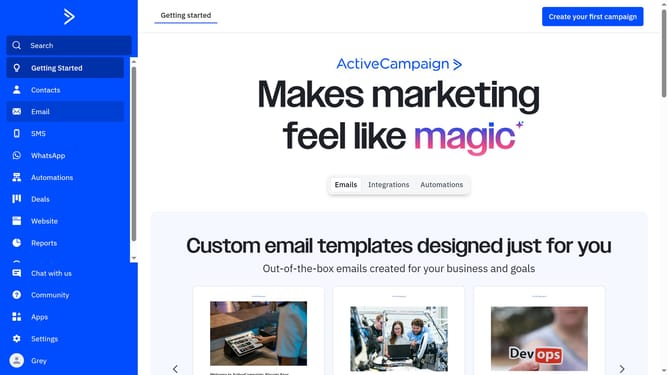
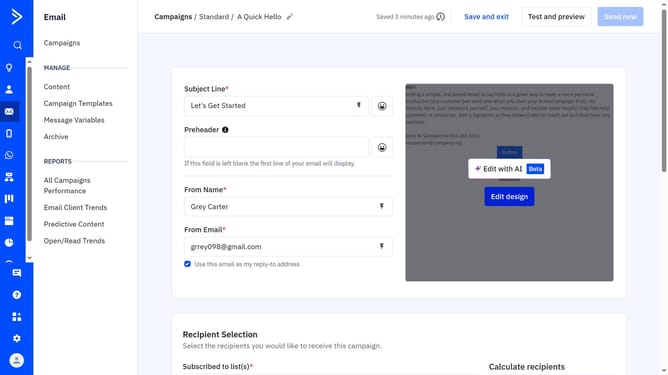
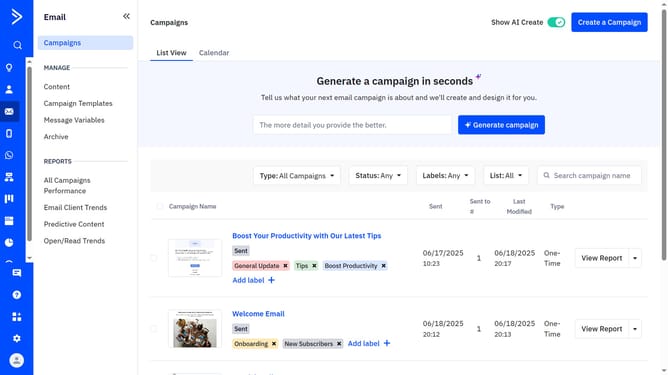
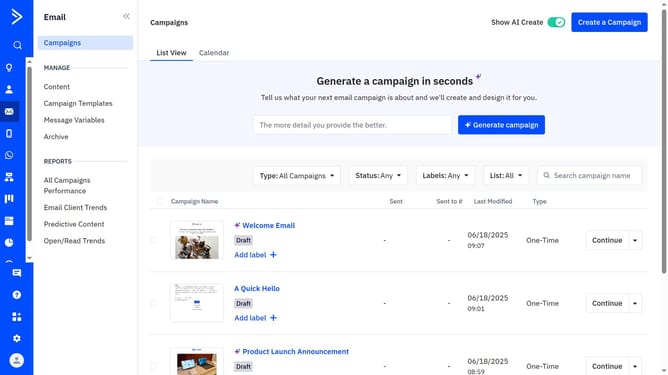
- First navigate to Email and click on "Campaigns" in the left sidebar navigation
- Next locate and hover over the campaign you want to create a label for
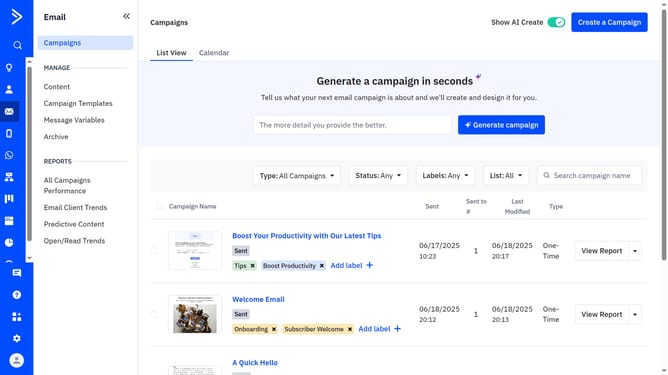
- Click on the "Add label +" below the campaign name
- Then click on the "Create label" option in the modal
- Next enter the label name into the field provided of the Create New Label dialog
- Then select a color from the Label Color choices
- Finally click the "Create" button to create the label
Why should you create a new label from the Campaigns overview page in ActiveCampaign
ActiveCampaign is a comprehensive platform designed to enhance email marketing and boost customer engagement through automation.
Among its many features, creating a new label from the Campaigns overview page empowers users with unmatched organizational capabilities for their marketing campaigns.
This functionality helps in categorizing campaigns efficiently, allowing for easy tracking and management of various marketing strategies.
Utilizing labels ensures clarity in campaign organization, leading to more targeted and streamlined marketing efforts.
Last update