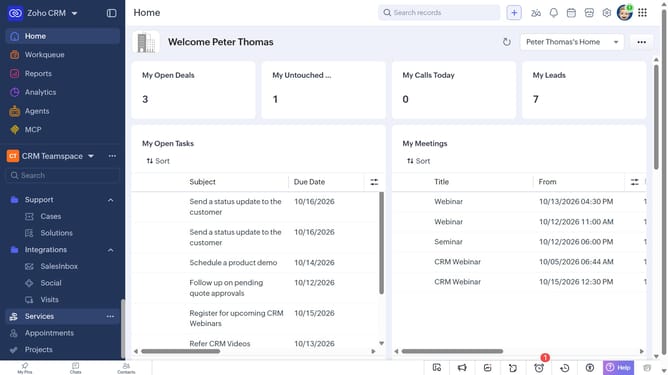
How to change the status of a case on Zoho CRM
Here is how to change the status of a case on zoho crm
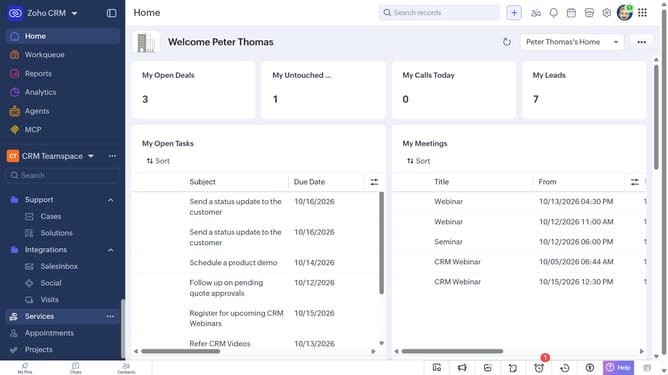
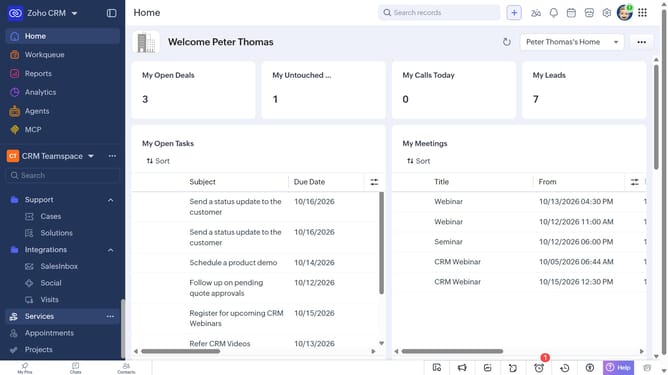
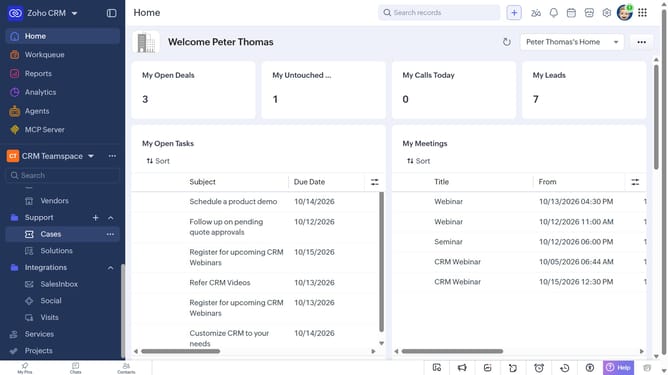
- First, click on "Cases" under "Support" in the left sidebar menu
- Next, click on the case you want to update the status
- In the “Overview” tab, click on the “Status” field
- Then select the new status from the status dropdown
- Finally, click on the checkmark icon to save the changes
Why should you How to change the status of a case on Zoho CRM
Zoho is a comprehensive online platform designed to streamline business operations, making them more efficient and effective.
Changing the status of a case in Zoho CRM allows you to keep track of every interaction and update, ensuring that all team members are aligned and informed.
This feature is essential for maintaining clear communication and improving customer service. By regularly updating case statuses, teams can prioritize tasks and respond to clients promptly, enhancing the overall customer experience.
Utilizing this functionality boosts productivity and ensures a seamless workflow, keeping your business agile and responsive.
Last update