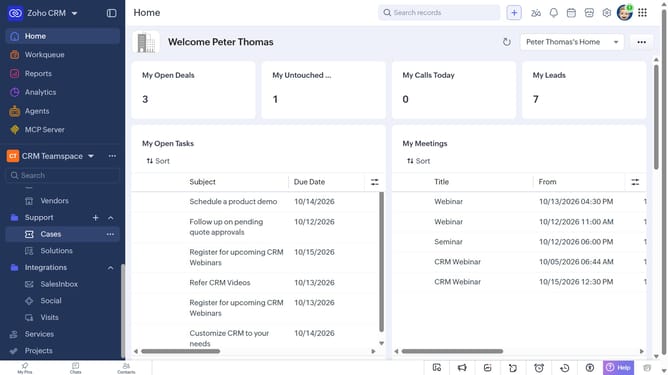
How to edit a service on Zoho CRM
Here is how to edit a service on zoho crm
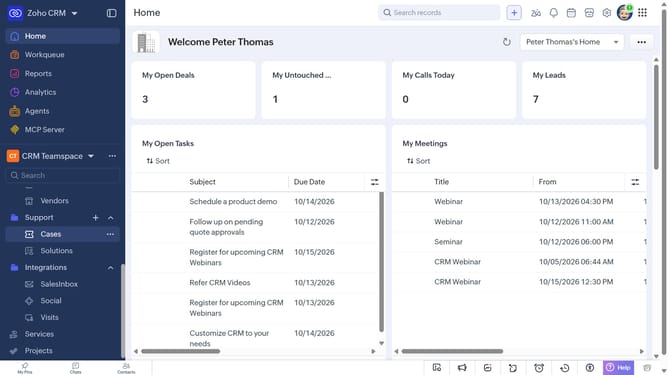
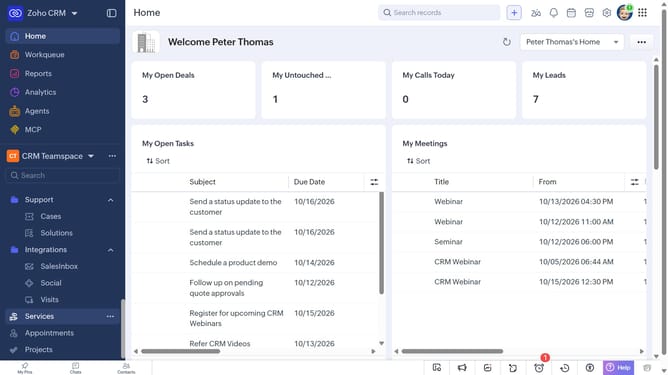
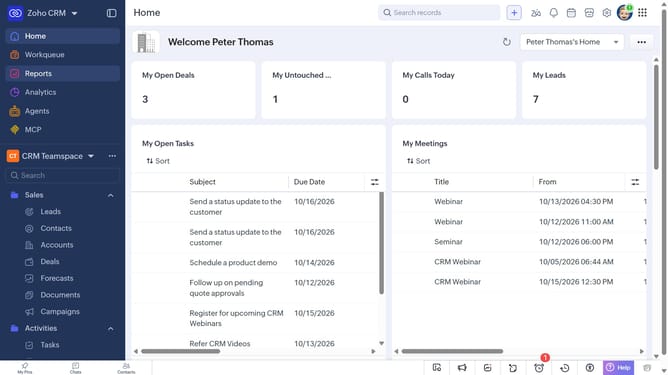
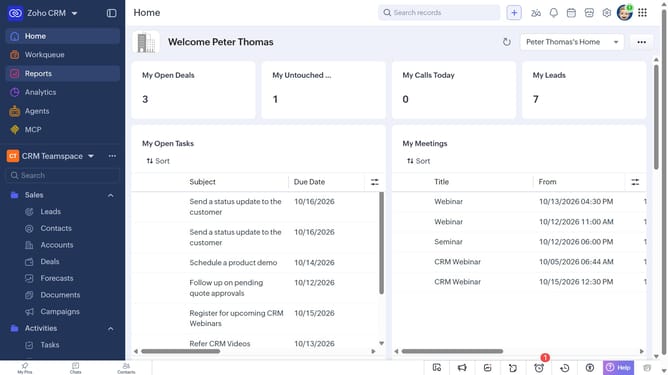
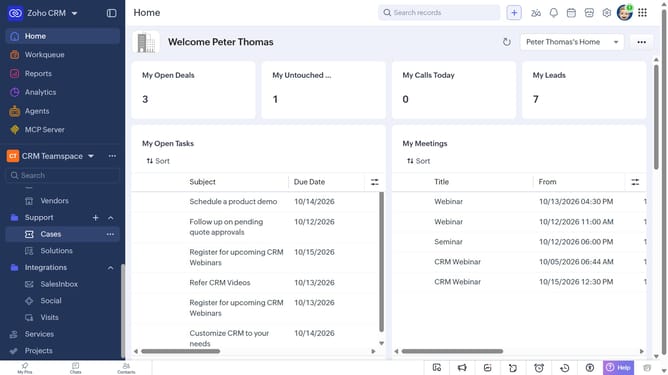
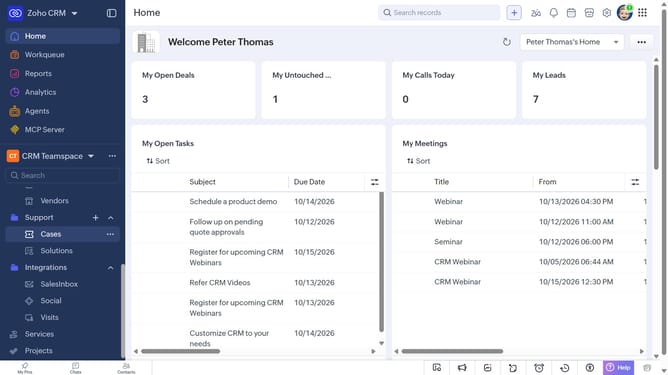
- First, click on "Services" in the left sidebar menu
- Next, click on the service you want to edit
- Click on the "Edit" button in the top right corner
- Then, make the necessary changes to the service details
- Finally, click on the "Save" button
Why should you How to edit a service on Zoho CRM
Zoho CRM is a comprehensive platform designed to streamline customer relationship management and enhance business productivity.
Editing a service in Zoho CRM is intuitive and efficient, allowing users to quickly update service details. This feature enables businesses to maintain accurate and up-to-date information, crucial for delivering excellent customer service.
Utilizing this feature ensures data consistency, improves team collaboration, and supports informed decision-making. Ultimately, it helps businesses stay agile and responsive to customer needs.
Last update