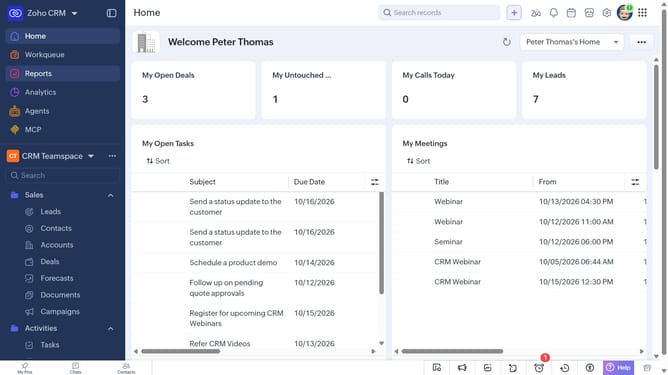
How to view recently deleted reports on Zoho CRM
Here is how to view recently deleted reports on zoho crm
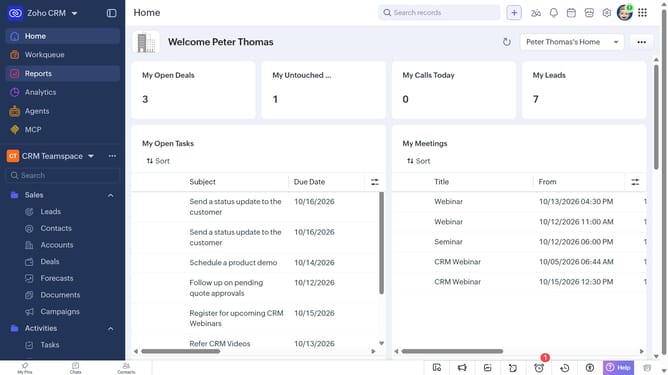
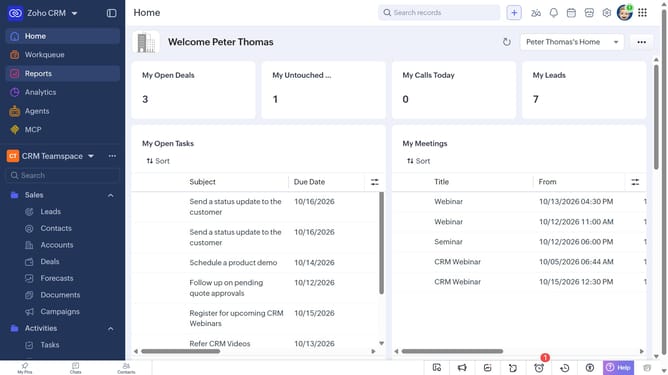
- First click on "Reports" in the left sidebar
- Next click on the "All Reports" dropdown
- Then select "Recently Deleted" in the dropdown list
- The list now shows the reports that have been recently deleted.
Why should you How to view recently deleted reports on Zoho CRM
Zoho, a comprehensive suite designed to enhance business productivity, offers robust CRM solutions for seamless customer relationship management.
One standout feature is the ability to view recently deleted reports, providing users with a chance to recover important data that might have been accidentally removed.
This feature ensures that essential information isn't lost, promoting data integrity and peace of mind.
By utilizing this capability, businesses can swiftly rectify mistakes, maintain continuity in reporting, and enhance overall operational efficiency.
Last update