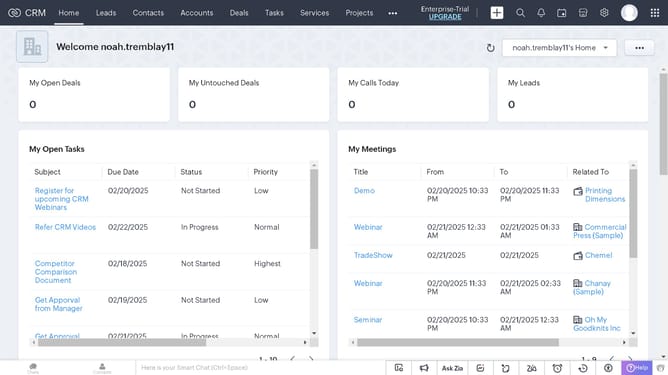
How to view deal reports on Zoho CRM
Here is how to view deal reports on zoho crm
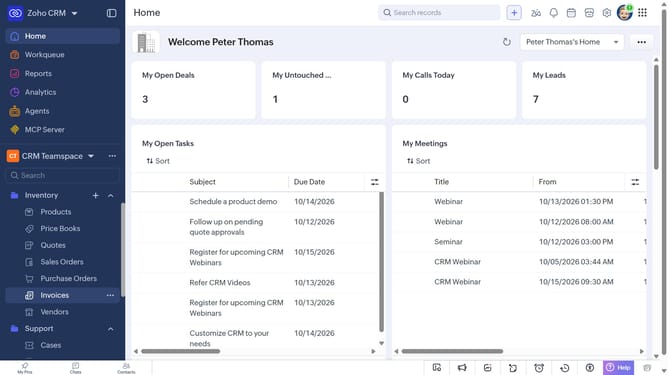
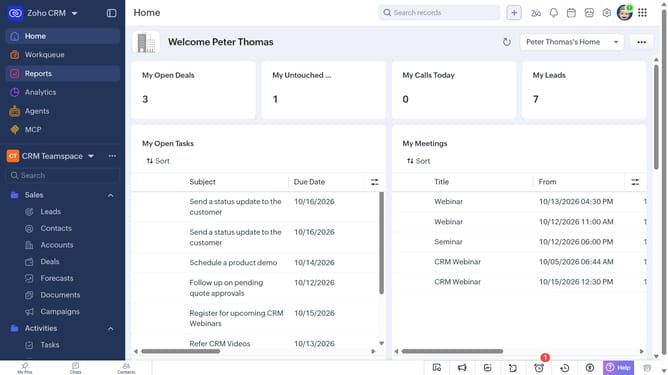
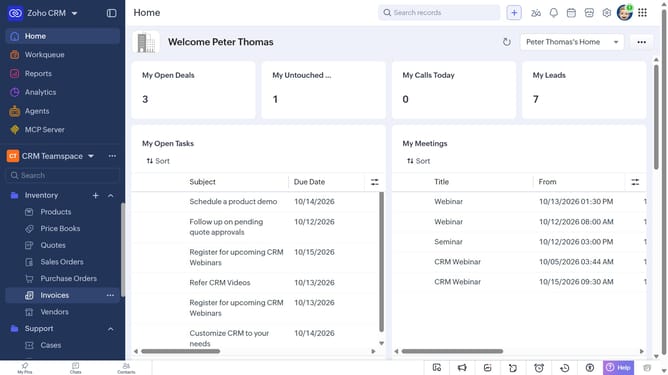
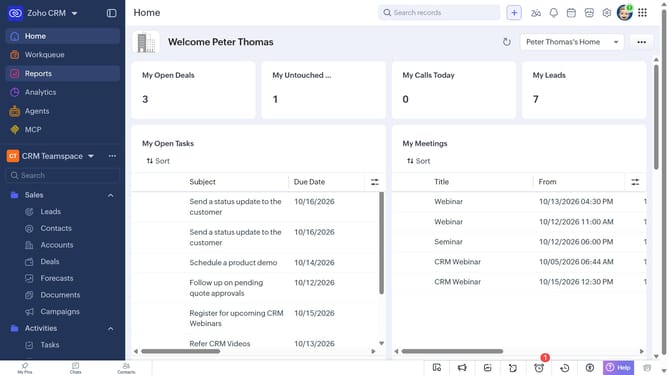
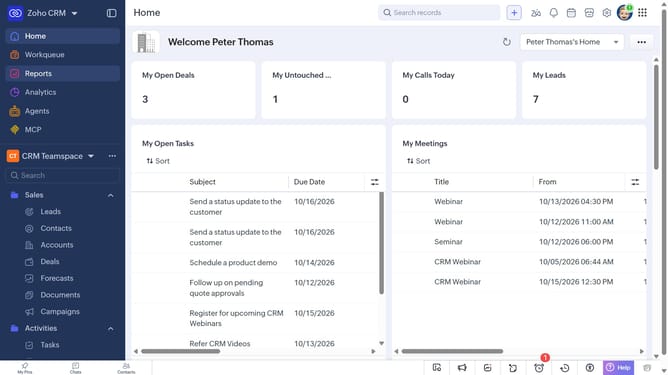
- First click on "Reports" in the left sidebar
- Next click on the "All Reports" dropdown
- Then select "Deal Reports" in the dropdown list
- The list now shows reports related to deals
Why should you How to view deal reports on Zoho CRM
Zoho is an integrated platform designed to streamline your business operations with efficiency and simplicity.
Viewing deal reports in Zoho CRM offers a comprehensive overview of your sales processes, enabling teams to make data-driven decisions with ease. This feature provides valuable insights into deal trends, helping businesses adjust strategies effectively.
By accessing detailed deal analytics, companies can identify high-performing areas and potential opportunities for growth. This empowers sales teams to optimize their efforts, ultimately enhancing productivity and increasing revenue.
Last update