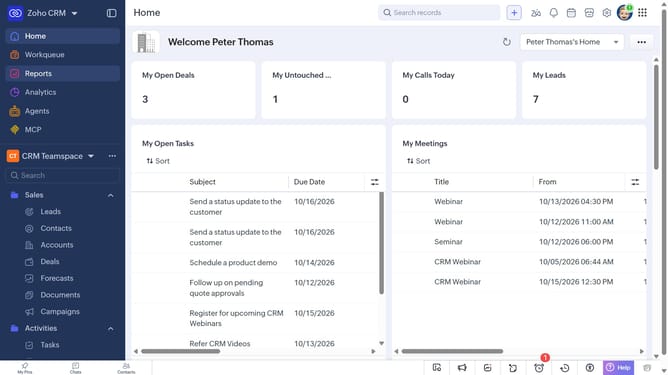
How to remove a report from favorites on Zoho CRM
Here is how to remove a report from favorites on zoho crm
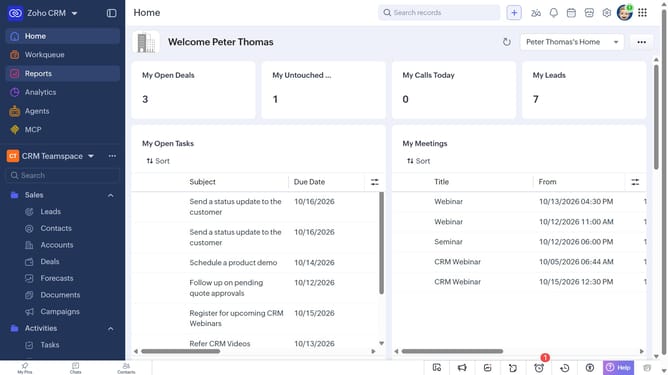
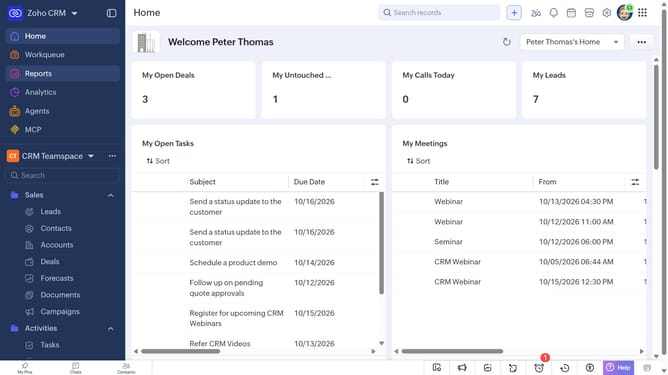
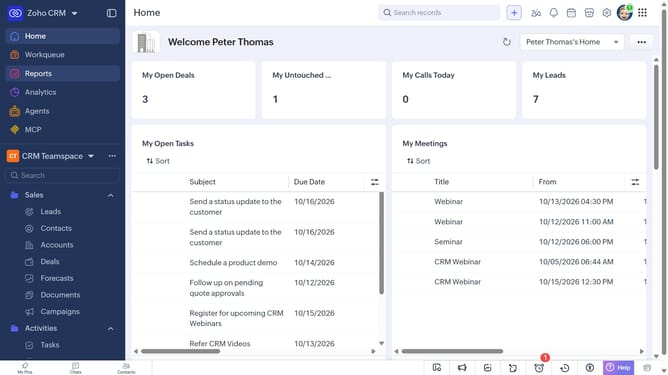
- First click on "Reports" in the left sidebar
- Next, locate the report you want to remove from favorites
- Then click on the yellow star icon next to the report name
Why should you How to remove a report from favorites on Zoho CRM
Zoho CRM is a dynamic platform designed to streamline customer relationship management and boost business productivity.
One of Zoho CRM's flexible features is the ability to manage your favorite reports effortlessly. If you need to declutter or prioritize different data, removing a report from your favorites is simple and efficient.
This feature allows users to quickly focus on the most relevant and current reports, ensuring that your dashboard remains organized and pertinent to your evolving business needs. By maintaining a concise list of favorite reports, you enhance your ability to access critical information swiftly, ultimately optimizing your workflow.
Last update