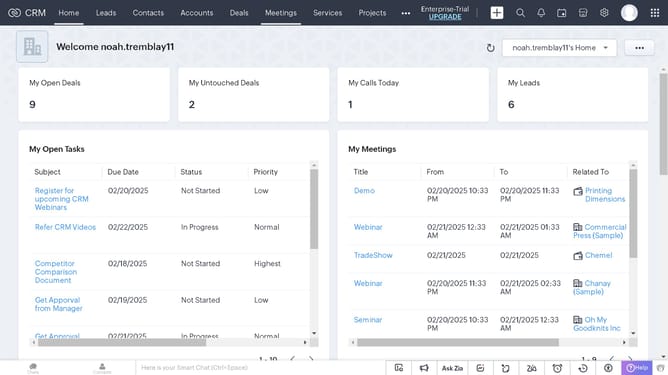
How to clone a service on Zoho CRM
Here is how to clone a service on zoho crm
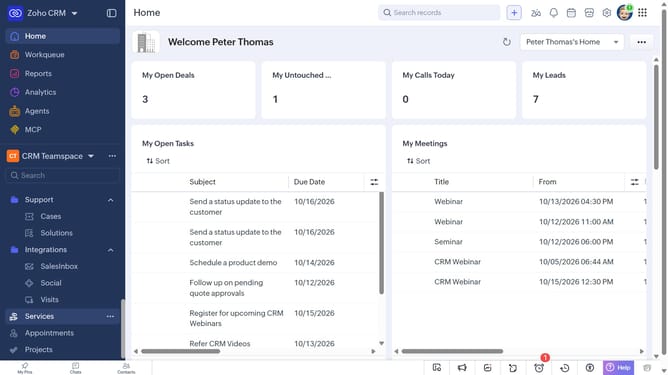
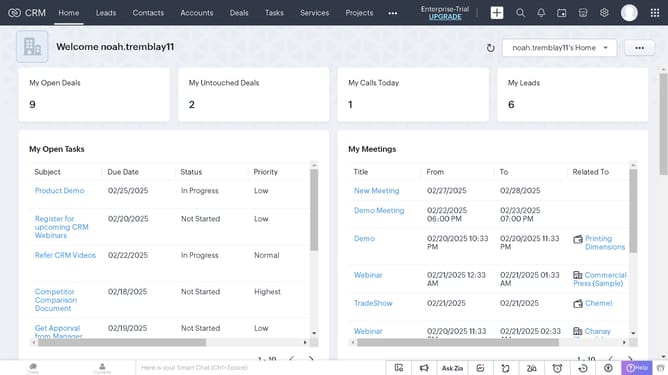
- First, click on "Services" in the left sidebar menu
- Next, click on the service you want to clone
- After that, click on the "More Options" button
- Select "Clone" from the dropdown menu
- Then, make changes to the cloned service details
- Finally, click on the "Save" button
Why should you How to clone a service on Zoho CRM
Zoho CRM empowers businesses with robust tools to manage customer relationships effectively and streamline operations.
Cloning a service in Zoho CRM allows users to effortlessly duplicate existing service entries. This feature is particularly useful when managing a portfolio of similar services, saving time otherwise spent on repetitive data entry.
By cloning services, businesses ensure consistency and maintain accuracy across their offerings, facilitating easier updates and adjustments. This efficiency leads to a more organized system, empowering teams to focus on strategic tasks.
Last update