How to view product reports on Zoho CRM
Here is how to view product reports on zoho crm
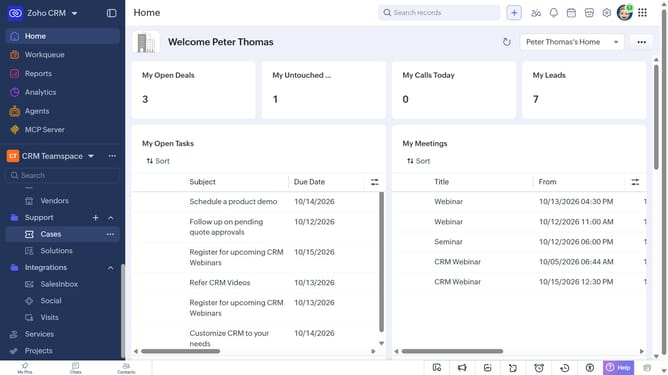
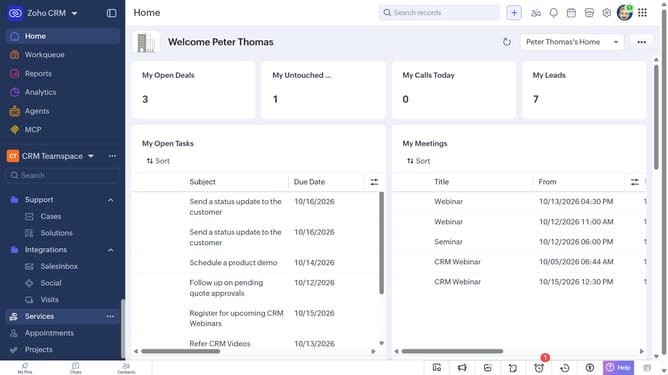
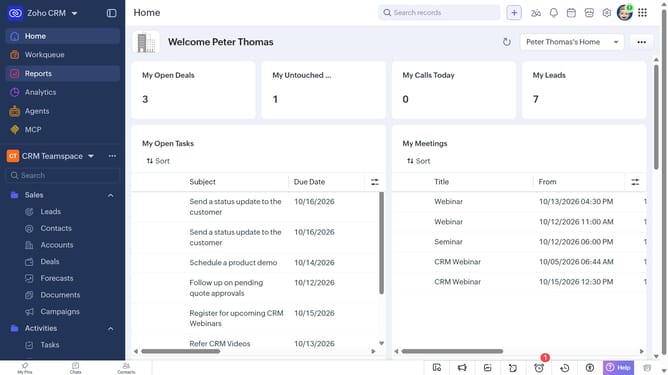
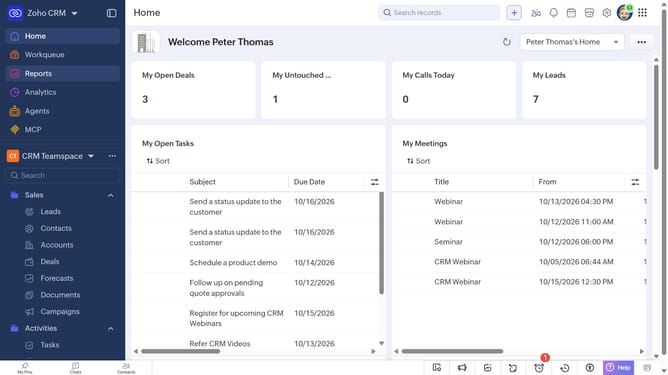
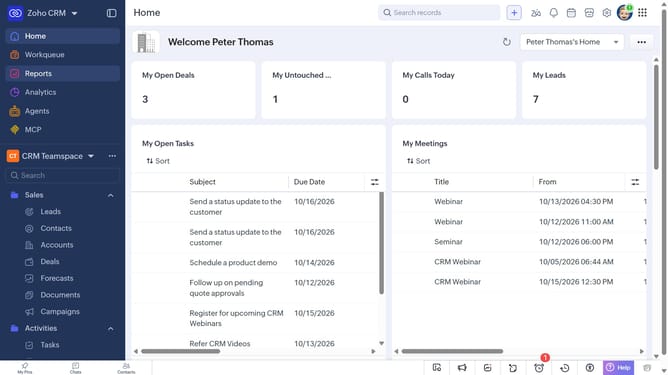
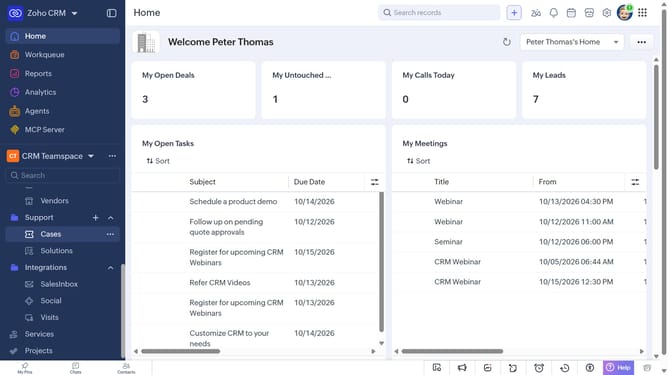
- First click on "Reports" in the left sidebar
- Next click on the "All Reports" dropdown
- Then select "Product Reports" in the dropdown list
- The list now shows reports related to products
Why should you How to view product reports on Zoho CRM
Zoho is a versatile and comprehensive platform designed to streamline business operations seamlessly.
Viewing product reports on Zoho CRM offers invaluable insights that empower businesses with data-driven decisions. By accessing detailed reports, users can track product performance, identify trends, and optimize strategies, enhancing overall productivity.
This feature provides clarity on the sales pipeline and helps in understanding customer preferences, ensuring that businesses can respond promptly and effectively to market demands.
Leveraging Zoho CRM's reporting capabilities means better inventory management, targeted marketing, and ultimately, improved customer satisfaction and business growth.
Last update