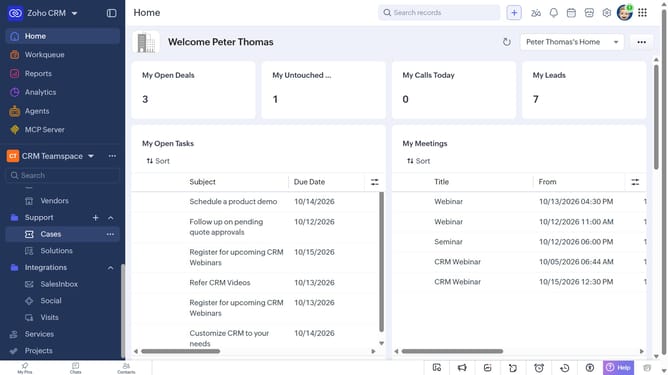
How to copy the URL of a service on Zoho CRM
Here is how to copy the url of a service on zoho crm
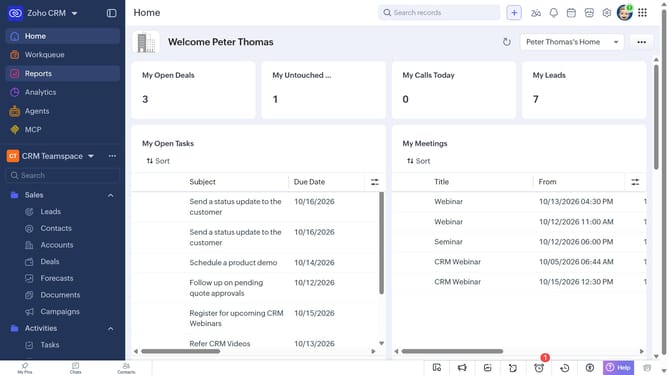
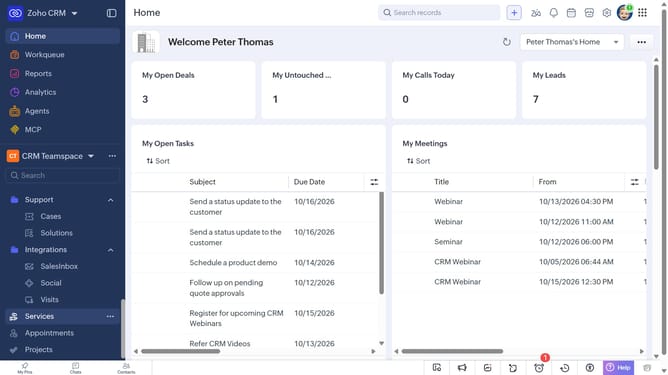
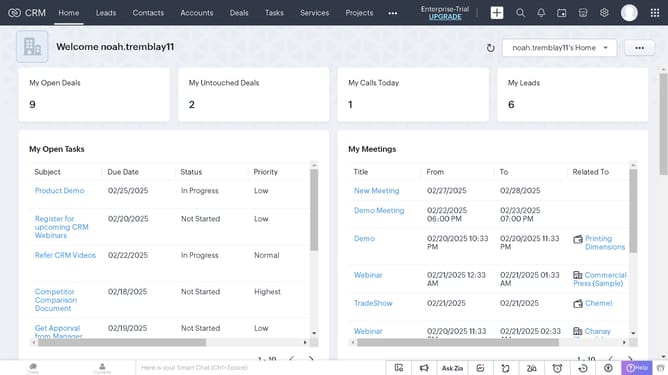
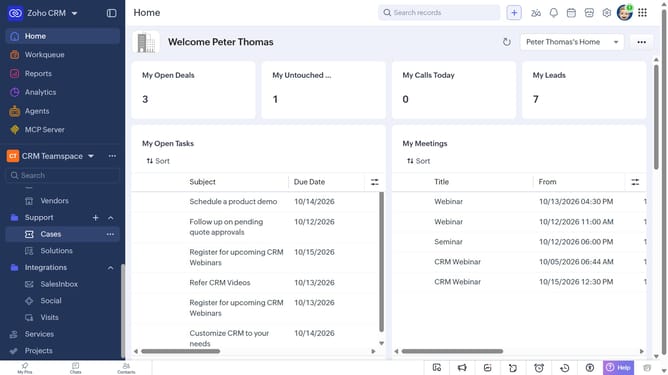
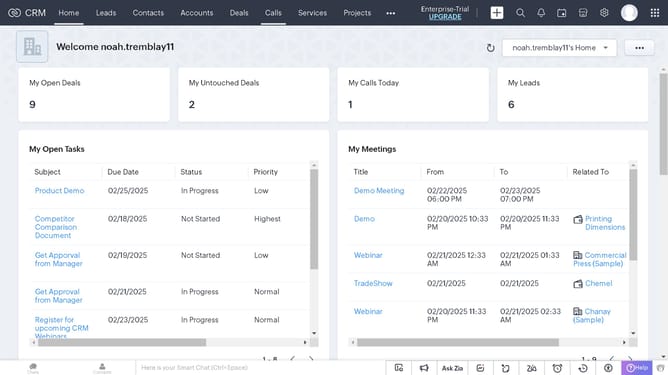
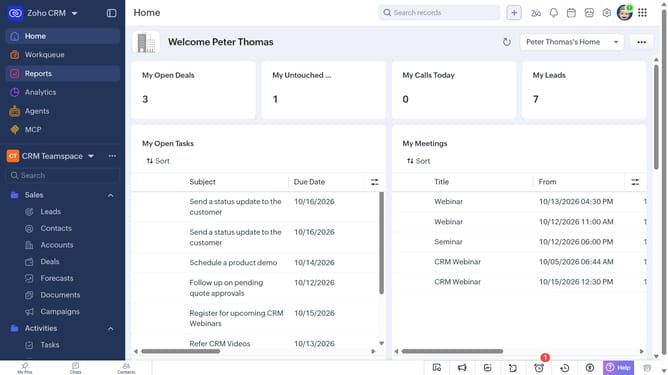
- First, click on "Services" in the left sidebar menu
- Next, locate the service whose URL you want to copy
- Then, click on the "More options" button next to the service
- Finally, select "Copy URL" from the dropdown menu
Why should you How to copy the URL of a service on Zoho CRM
Zoho CRM is a robust platform designed to streamline customer relationship management, driving efficiency and growth.
The ability to copy the URL of a service within Zoho CRM is a simple yet powerful feature. It allows users to quickly share links to specific CRM services with team members, fostering better collaboration and communication.
Using this feature enhances productivity by minimizing the time spent navigating through the platform. By quickly sharing URLs, teams can focus on strategic tasks, improving workflow and ensuring everyone stays on the same page.
Last update