How to assign a case to another user on Zoho CRM
Here is how to assign a case to another user on zoho crm
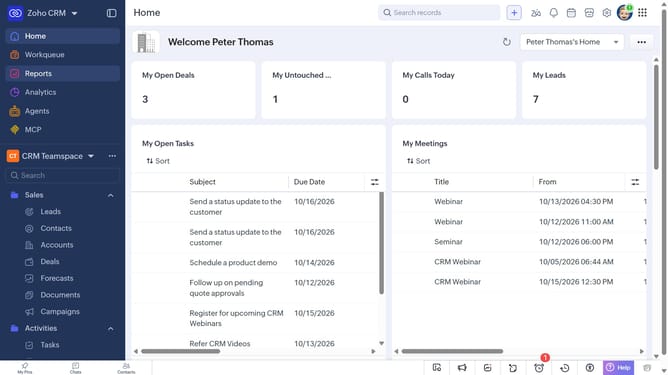
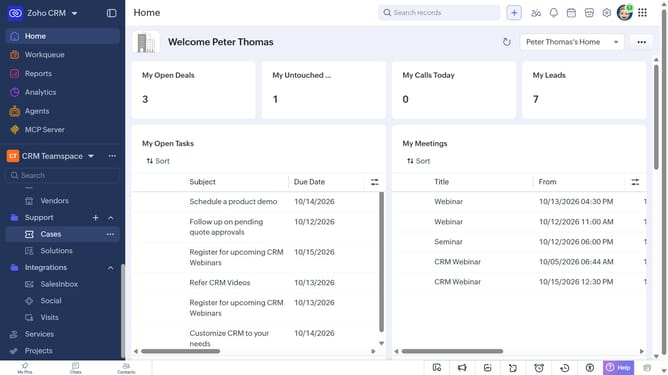
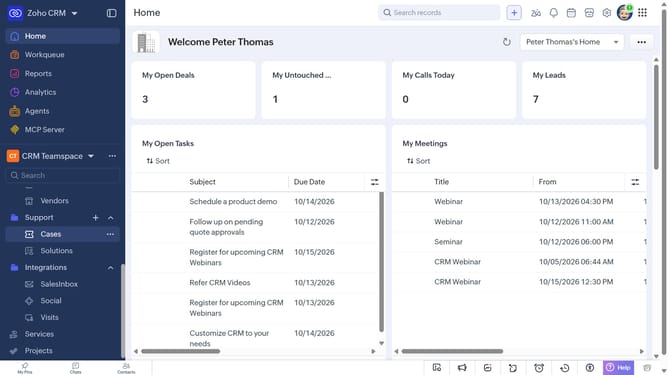
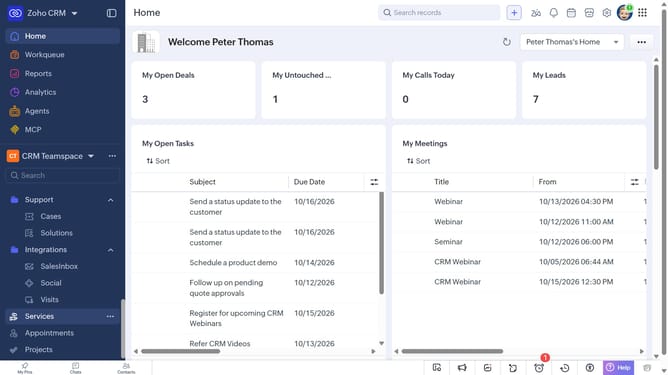
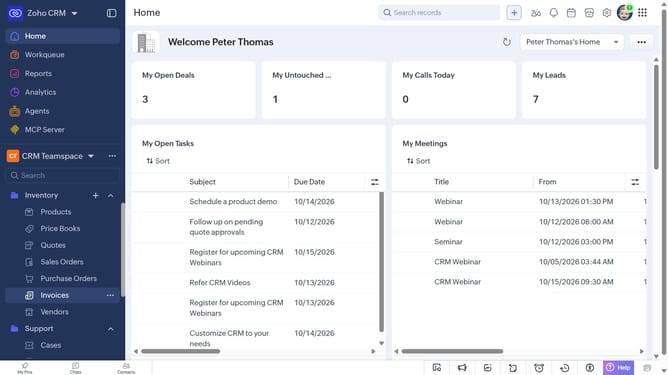
- First, click on "Cases" under "Support" in the left sidebar menu
- Next, locate the case whose owner you want to change
- Click on the "More options" button next to the case
- Select "Change Owner" from the dropdown menu
- In the "Change Owner" modal, click on the dropdown
- Then select the new owner from the dropdown menu
- Next, check "Send Email notification" to enable alerts, or leave it unchecked
- Finally, click on the "Change Owner" button
Why should you How to assign a case to another user on Zoho CRM
Zoho CRM is a robust tool designed to streamline business processes, enhance customer relationships, and boost productivity.
One standout feature in Zoho CRM is the ability to assign cases to other users effortlessly. By distributing responsibilities, your team can ensure every customer concern is addressed promptly and by the most qualified individual.
This feature not only improves team collaboration but also leads to increased customer satisfaction. It empowers managers to delegate tasks effectively, ensuring workloads are balanced and responses are timely.
Last update