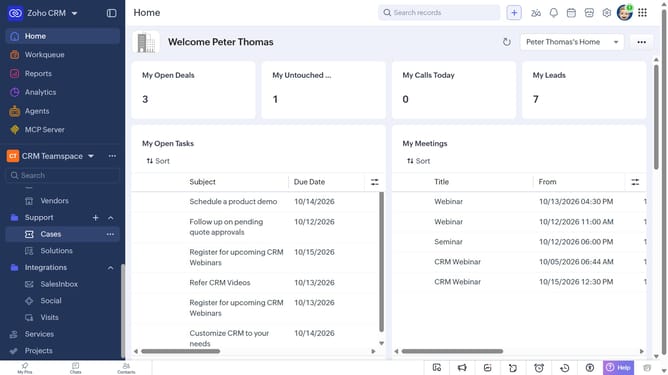
How to delete a service on Zoho CRM
Here is how to delete a service on zoho crm
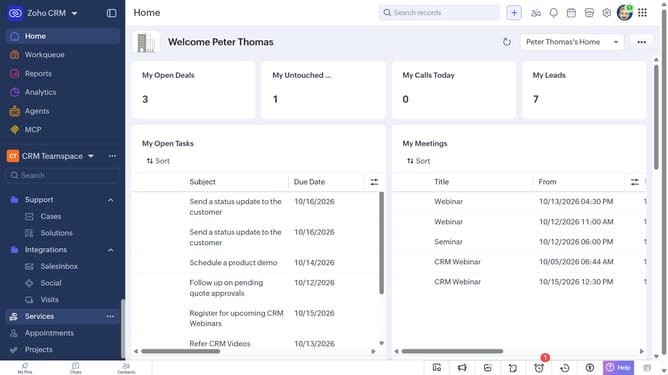
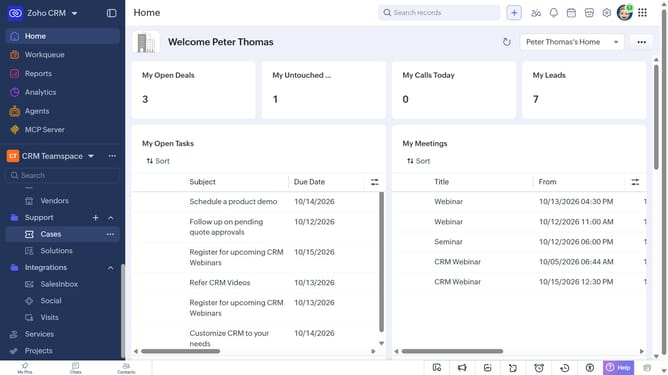
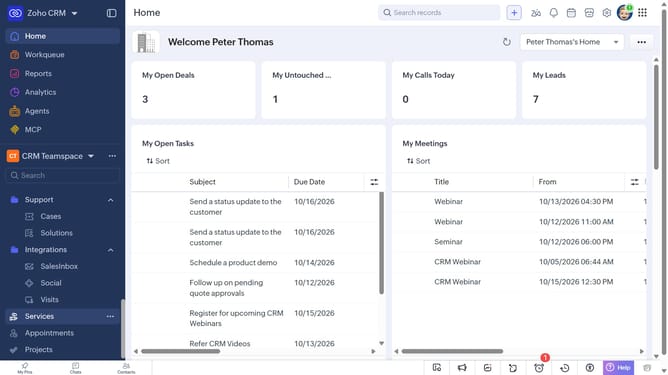
- First, click on "Services" in the left sidebar menu
- Next, click the service you want to delete
- Click on the "More Options" button in the top right corner
- Then, select "Delete" from the dropdown menu
- Finally, click on the "Delete" button in the confirmation dialog
Why should you How to delete a service on Zoho CRM
Zoho CRM is a powerful platform designed to streamline customer relationship management for businesses of all sizes, enhancing productivity and efficiency.
Deleting a service on Zoho CRM allows businesses to efficiently manage and update their offerings. This feature ensures that your CRM data remains current and clutter-free, focusing only on what’s relevant for your ongoing operations.
Streamlining the list of services in Zoho CRM can lead to improved decision-making and a more organized system. It empowers teams to concentrate on key services, ultimately leading to enhanced customer satisfaction and business growth.
Last update