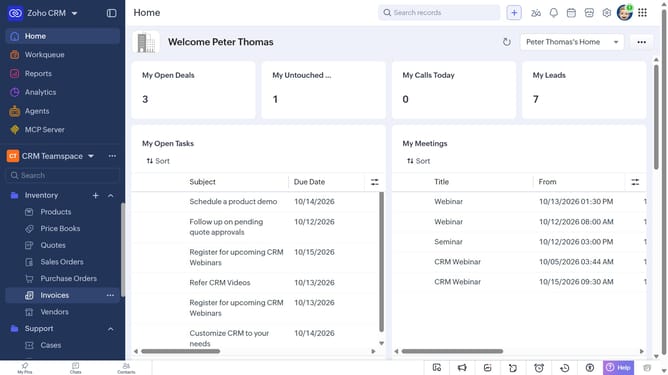
How to sort cases on Zoho CRM
Here is how to sort cases on zoho crm
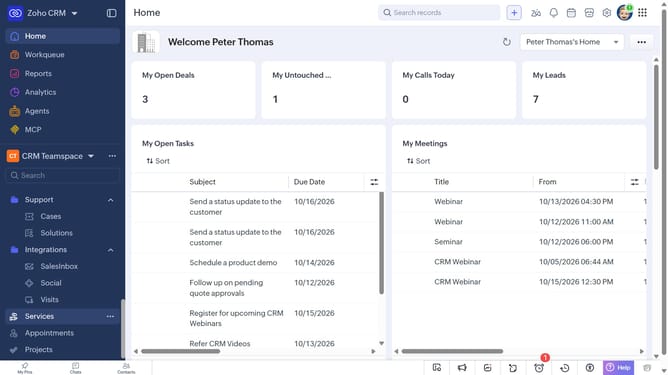
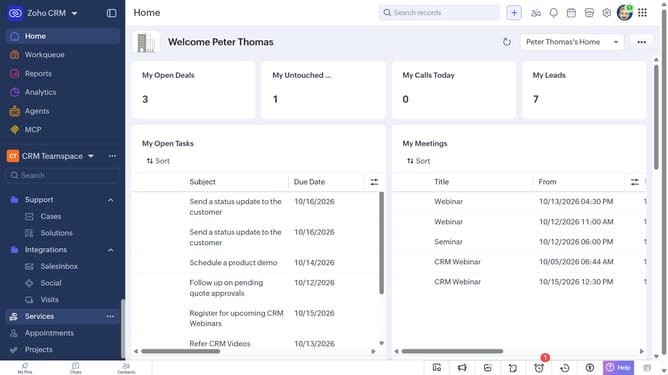
- First, click on "Cases" under "Support" in the left sidebar menu
- Next, click on the "Sort" button in the top menu
- After that, click on the "Sort By" dropdown
- Then select the option you want to sort by
- Next, choose whether to sort in Ascending or Descending order
- Finally click on the "Apply" button
Why should you How to sort cases on Zoho CRM
Zoho is a comprehensive platform designed to streamline and enhance business processes through powerful software solutions.
Sorting cases on Zoho CRM is an efficient feature that allows users to organize and prioritize customer interactions effortlessly. This function enhances workflow by letting users categorize cases based on priority, status, or any custom criteria.
By using the sorting feature, businesses can ensure that the most urgent cases receive immediate attention, improving response times and customer satisfaction. It also aids in clear visibility and management of workloads, enhancing team productivity.
Overall, efficiently sorted cases mean smoother operations and a greater ability to focus on what truly matters: delivering exceptional customer service.