How to copy the URL of an invoice on Zoho CRM
Here is how to copy the url of an invoice on zoho crm
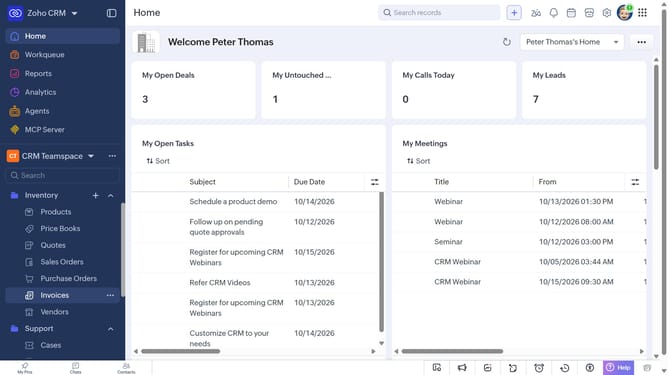
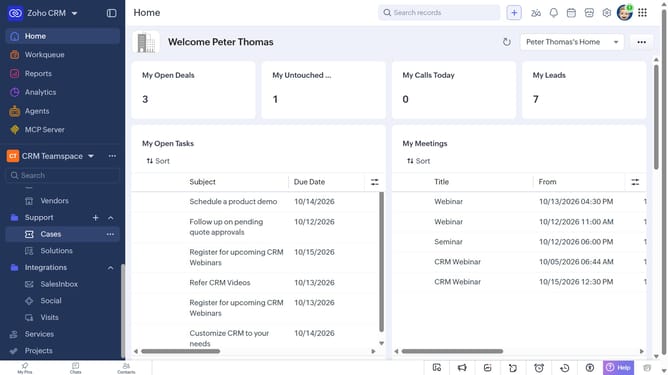
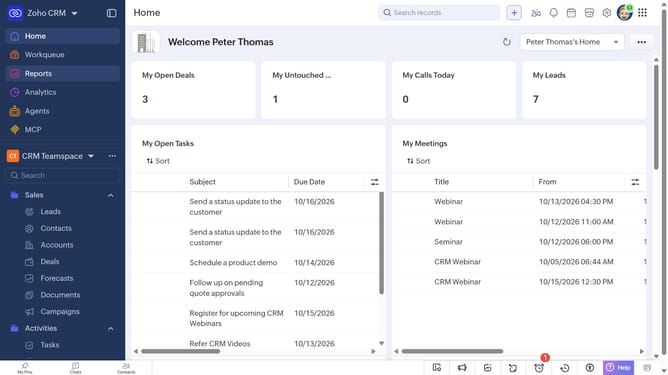
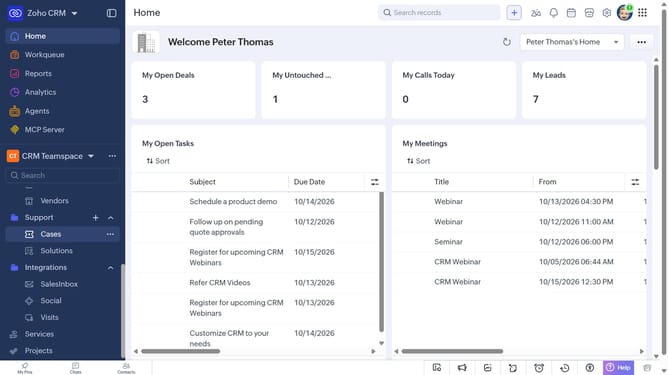
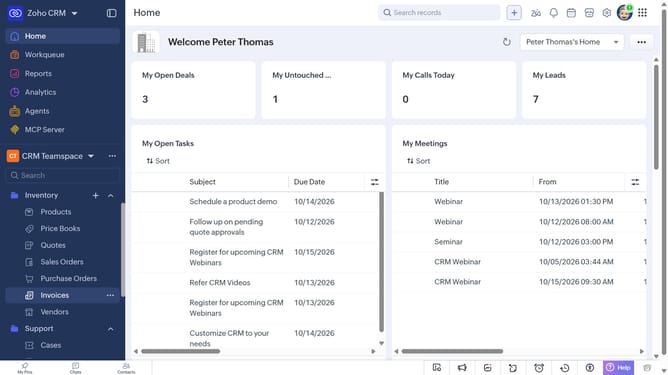
- First, click on "Invoices" under the "Inventory" section in the left sidebar menu
- Next, locate the invoice whose URL you want to copy
- Then, click on the "More options" button next to the invoice
- Finally, select "Copy URL" from the dropdown menu
Why should you How to copy the URL of an invoice on Zoho CRM
Zoho is a comprehensive online suite designed to empower businesses with efficient management tools.
One valuable feature of Zoho CRM is the ability to copy the URL of an invoice. This functionality streamlines the process of sharing crucial payment details with clients or team members directly. It's a simple, yet powerful tool that aids in maintaining efficient communication.
By easily accessing and sharing invoice URLs, businesses can enhance their workflow, save time, and ensure that key stakeholders have immediate access to necessary financial information. This fosters a seamless collaboration experience and enhances overall productivity.
Last update