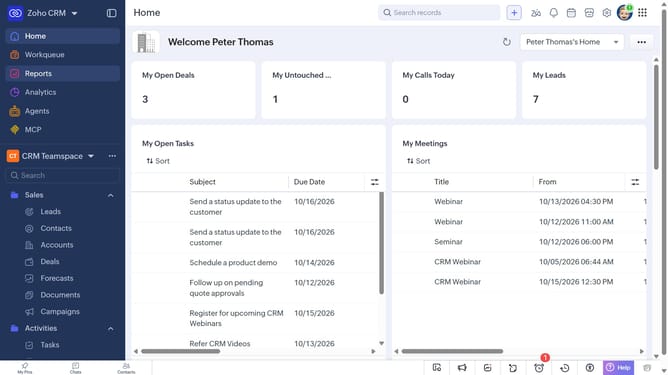
How to log a call for a case on Zoho CRM
Here is how to log a call for a case on zoho crm
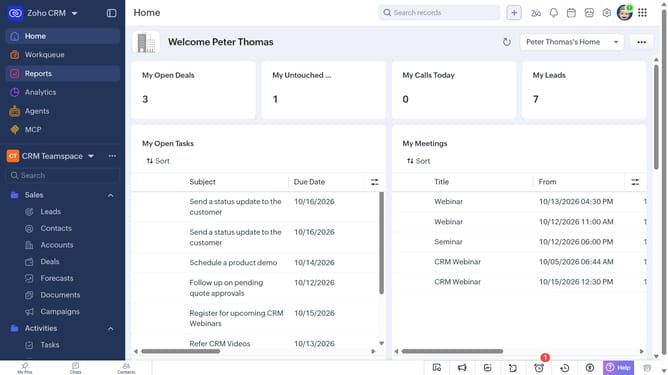
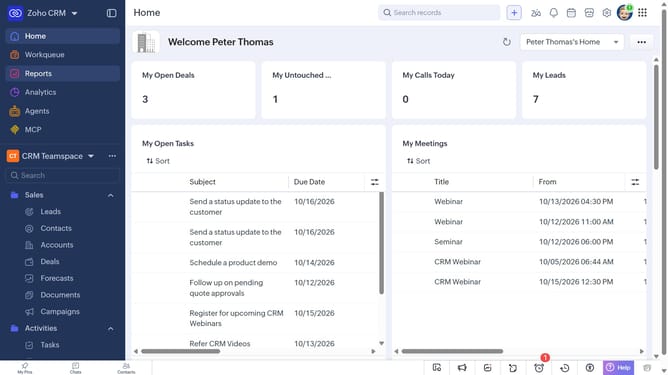
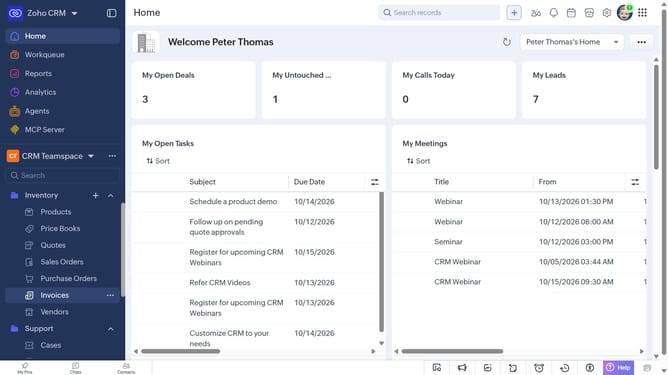
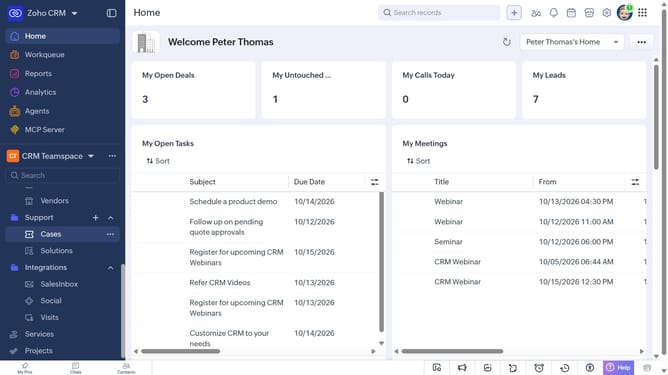
- First, click on "Cases" under "Support" in the left sidebar menu
- Next, locate the case you want to log a call for
- Click on the "More options" button next to the case
- After that, click on "More"
- Next, click on "Create Call"
- Then select the "Log a call" option
- Then, enter the call details in the "Log a call" modal
- Finally, once you're done, click on the "Save" button
Why should you How to log a call for a case on Zoho CRM
Zoho CRM is a versatile, user-friendly software designed to streamline your business operations and enhance customer relationships.
Logging a call for a case within Zoho CRM offers a seamless way to track communication and maintain records efficiently. By utilizing this feature, businesses can easily attach important call details to specific cases, ensuring nothing slips through the cracks.
This practice not only enhances organization but also boosts productivity. It provides a comprehensive view of client interactions, facilitating better decision-making and fostering stronger client connections. Ultimately, this approach leads to improved customer service and drives business success.
Last update