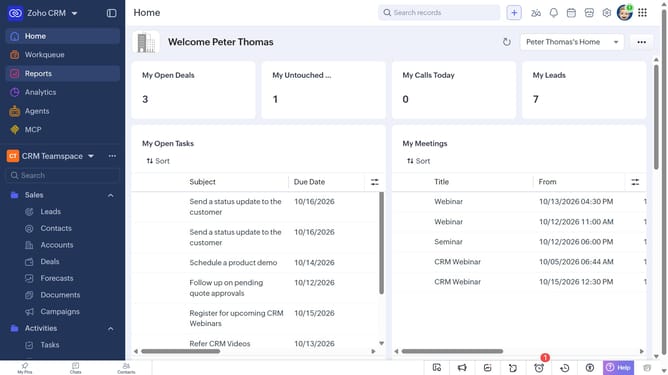
How to view favorite reports on Zoho CRM
Here is how to view favorite reports on zoho crm
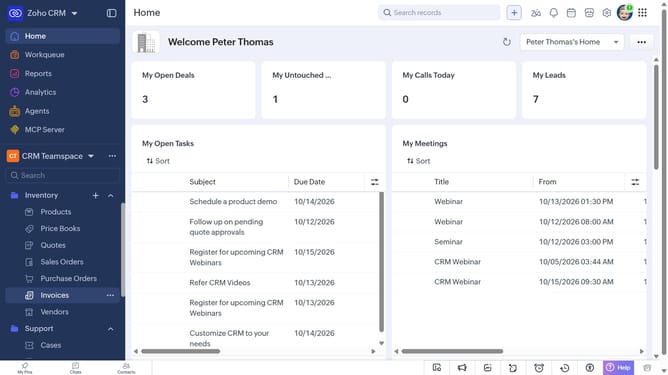
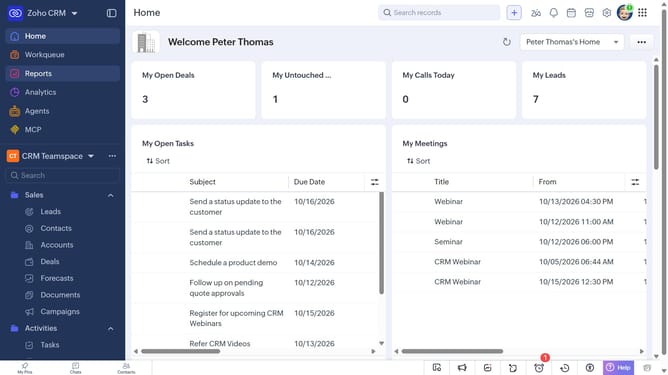
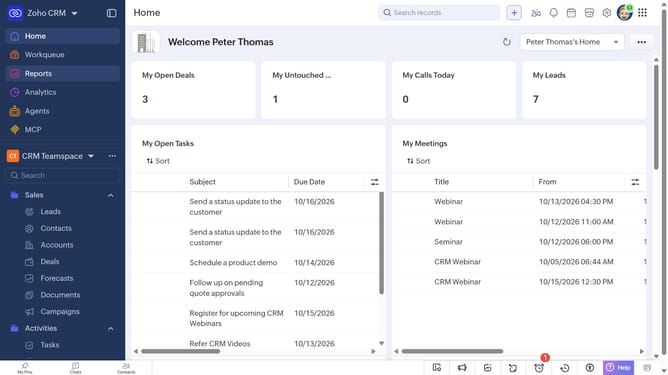
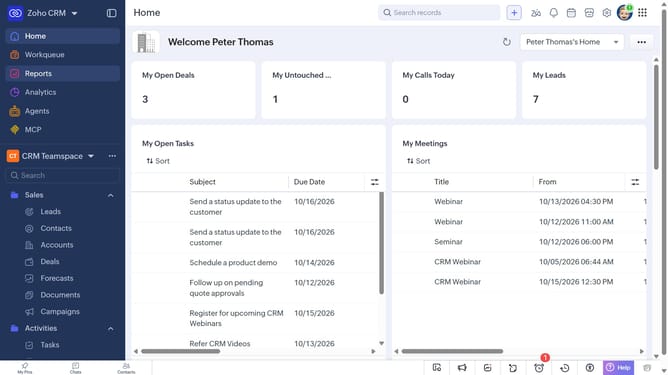
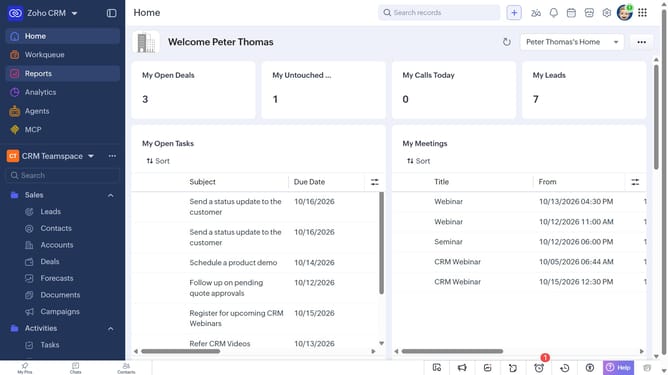
- First click on "Reports" in the left sidebar
- Next click on the "All Reports" dropdown
- Then select "Favorites" from the dropdown menu
- The list now shows only the reports marked as favorites
Why should you How to view favorite reports on Zoho CRM
Zoho is a comprehensive software suite designed to manage your business efficiently through its powerful CRM capabilities.
Viewing favorite reports in Zoho CRM is a streamlined feature that enhances your analytics experience. It allows you to easily access frequently used reports, saving time and helping maintain focus on significant data insights.
This feature is particularly beneficial in fast-paced environments where quick data retrieval is essential. By having favorite reports at your fingertips, decision-making becomes more efficient and informed.
Utilizing this feature not only boosts productivity but also enhances your ability to act swiftly on critical CRM insights, leading to better business outcomes.
Last update