How to view case and solution reports on Zoho CRM
Here is how to view case and solution reports on zoho crm
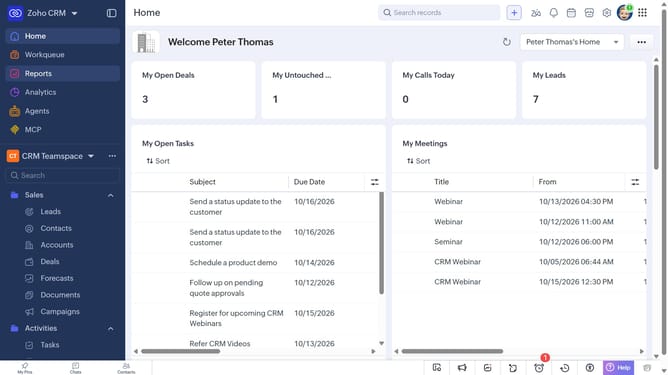
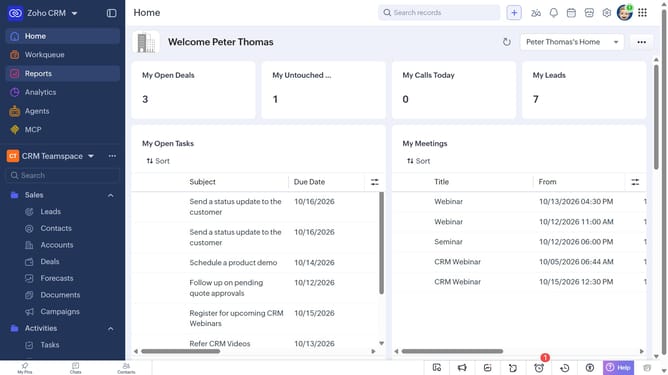
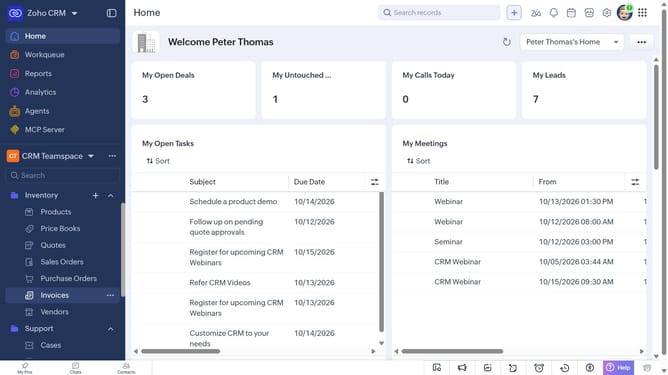
- First click on "Reports" in the left sidebar
- Next click on the "All Reports" dropdown
- Then select "Case and Solution Reports" in the dropdown list
- The list now shows reports related to cases and solutions
Why should you How to view case and solution reports on Zoho CRM
Zoho CRM is a versatile platform designed to streamline business processes and enhance customer relationships.
Accessing case and solution reports in Zoho CRM allows you to efficiently track customer issues and the resolutions provided. This feature empowers your team with insights into recurring problems and the efficiency of the solutions implemented, leading to improved customer satisfaction.
By analyzing these reports, businesses can identify patterns, optimize processes, and ensure timely responses. This fosters a proactive approach in customer service, minimizing future issues and building trust with clientele.
Last update