How to delete reports in bulk on Zoho CRM
Here is how to delete reports in bulk on zoho crm
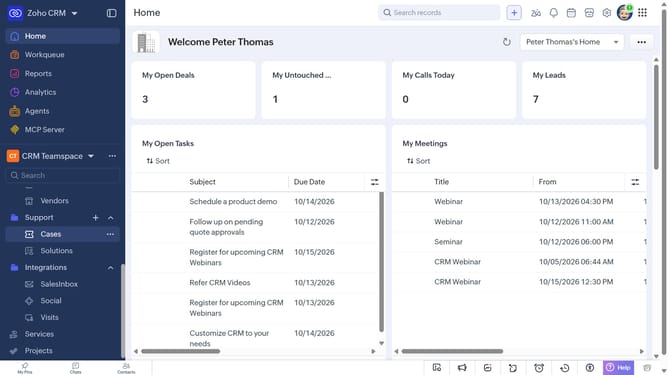
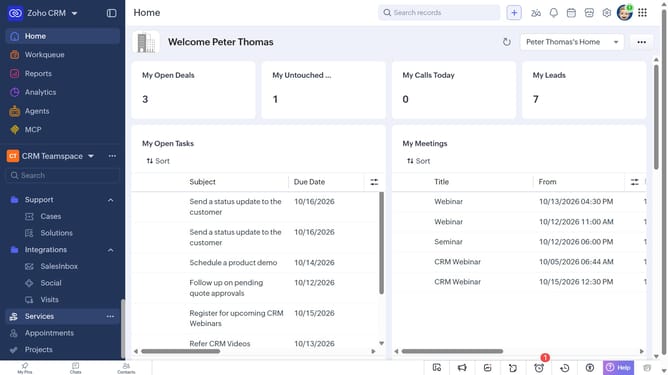
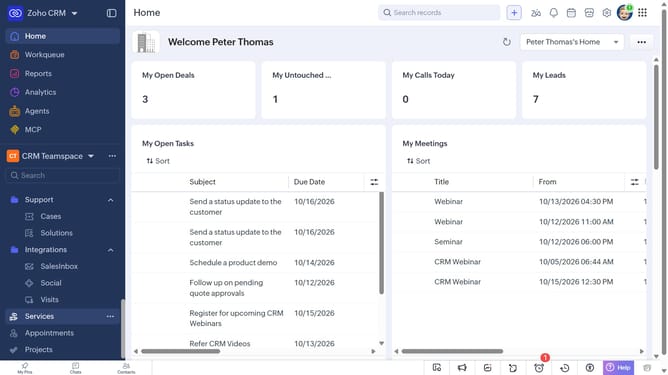
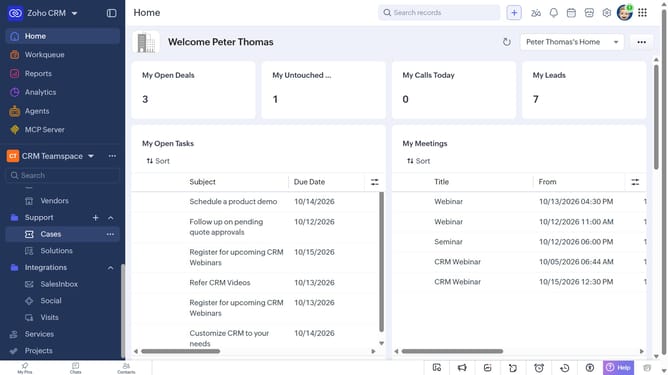
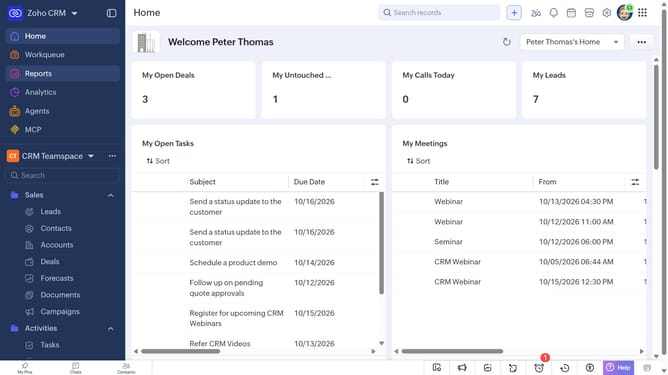
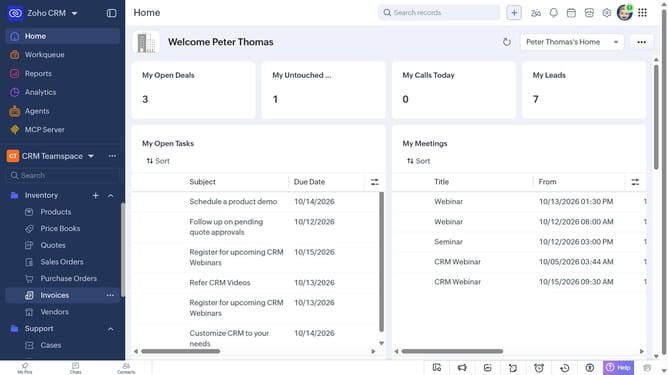
- First click on "Reports" in the left sidebar
- Next, locate the reports you want to delete
- Select the checkboxes next to each record
- Then click on the "Delete" button in top menu
- Finally, click on "Yes" in the confirmation dialog
Why should you How to delete reports in bulk on Zoho CRM
Zoho CRM is a versatile platform designed to streamline business operations with its powerful customer relationship management tools.
The ability to delete reports in bulk on Zoho CRM enhances efficiency by allowing users to clean up outdated or unnecessary data swiftly. This feature simplifies data management, ensuring that your workspace remains clutter-free and organized.
Utilizing bulk deletion not only saves time but also improves productivity, enabling teams to focus on insights that truly matter. This function is a valuable asset for maintaining an optimized and functional CRM environment.
Last update