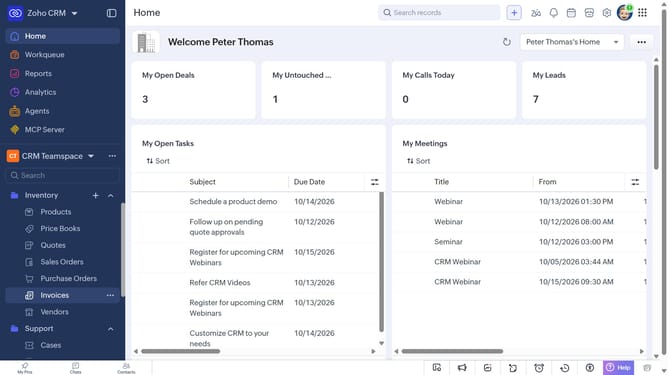
How to print service details on Zoho CRM
Here is how to print service details on zoho crm
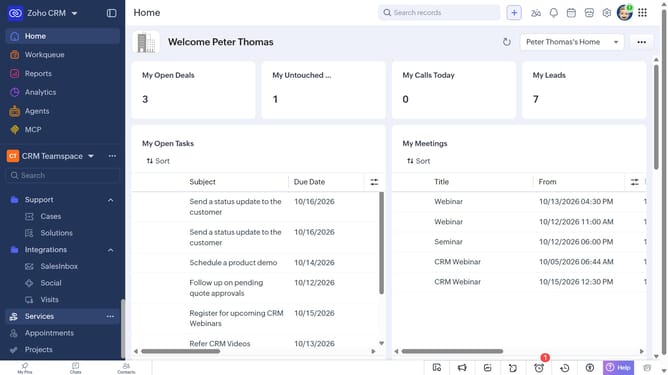
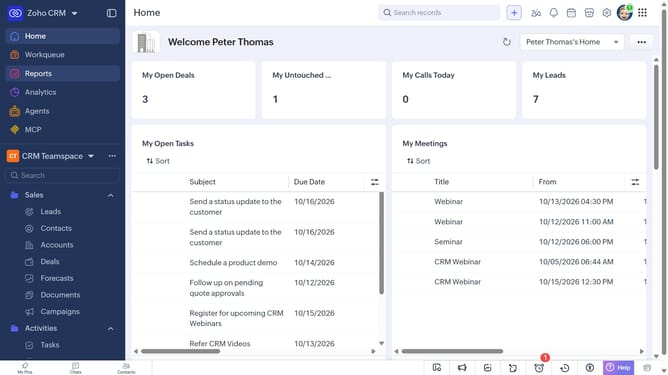
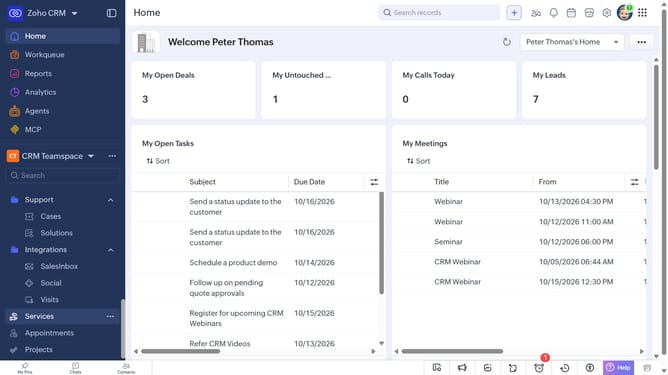
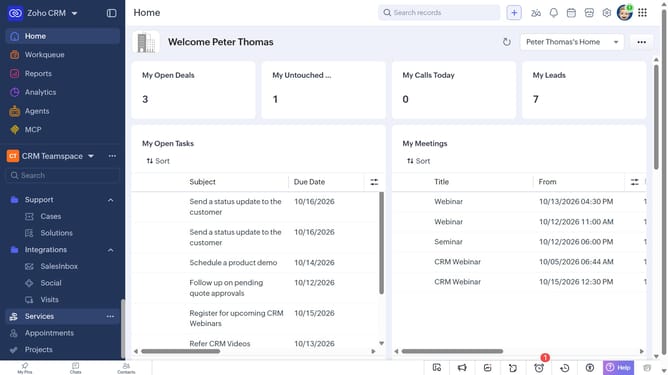
- First, click on "Services" in the left sidebar menu
- Next, click on the service you want to print
- After that, click on the "More Options" button
- Select "Print Preview" from the dropdown menu
- Next, click the "Choose a Template Category" dropdown
- Then choose a template from the dropdown menu
- Finally, click on the "Print" button
Why should you How to print service details on Zoho CRM
Zoho CRM is a comprehensive platform designed to streamline customer relationship management for businesses of all sizes.
Printing service details directly from Zoho CRM is an intuitive feature that enhances the accessibility of important information. By allowing users to print service records, businesses can maintain organized physical copies of crucial data, supporting easy sharing in meetings and discussions.
This feature simplifies the process of record-keeping and aids in quick decision-making. Having tangible service details on hand ensures that teams are always prepared with the necessary information, ultimately boosting productivity and fostering seamless communication.
Last update