How to assign an invoice to another user on Zoho CRM
Here is how to assign an invoice to another user on zoho crm
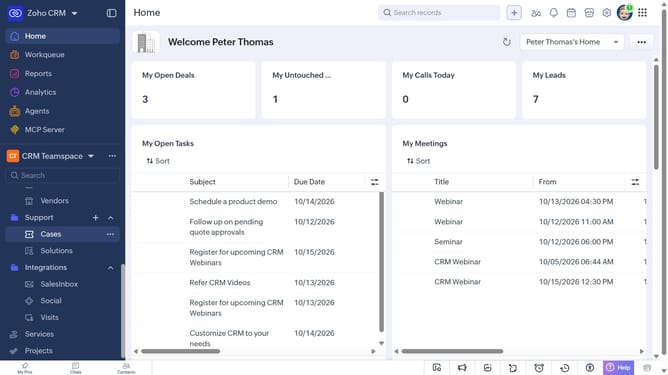
- First, click on "Invoices" under "Inventory" in the left sidebar menu
- Next, locate the invoice whose owner you want to change
- Click on the "More options" button next to the invoice
- Select "Change Owner" from the dropdown menu
- In the "Change Owner" modal, click on the dropdown
- Then select the new owner from the dropdown menu
- Next, check "Send Email notification" to enable alerts, or leave it unchecked
- Finally, click on the "Change Owner" button
Why should you How to assign an invoice to another user on Zoho CRM
Zoho CRM is a robust platform designed to streamline and elevate your customer relationship management.
Assigning an invoice to another user is a transformative feature within Zoho CRM that enhances team collaboration and accountability. When an invoice needs to be reviewed, approved, or followed up on by someone else within your organization, this capability allows you to seamlessly delegate tasks to the most appropriate team member.
This process not only optimizes workflow efficiency but also ensures that responsibilities are clearly defined, reducing errors and miscommunication. By utilizing this feature, teams can maintain focus on core objectives, which empowers faster decision-making and enhanced productivity.
Last update