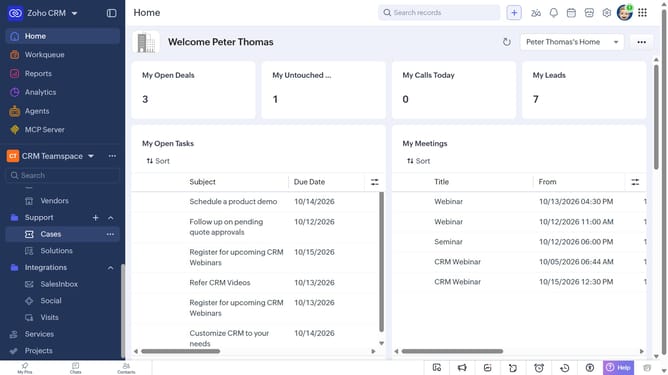
How to view account and contact reports on Zoho CRM
Here is how to view account and contact reports on zoho crm
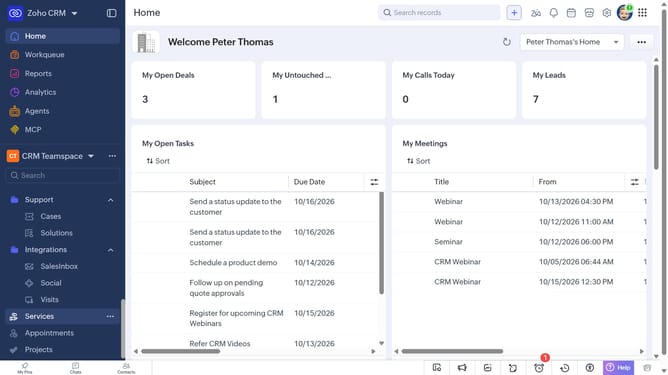
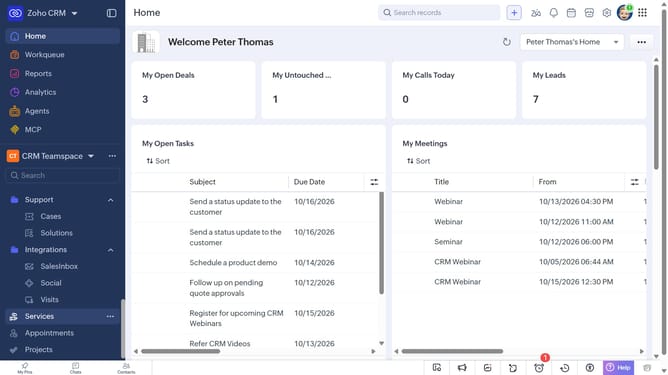
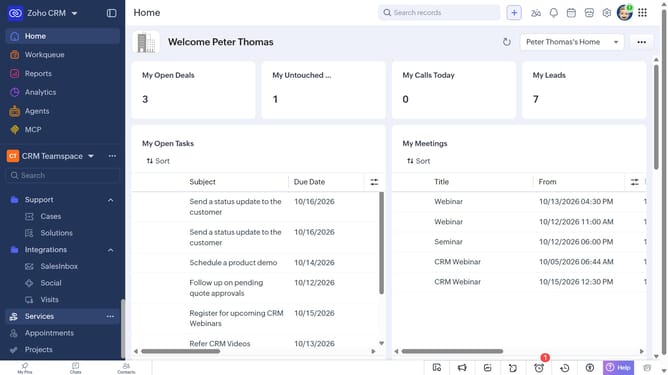
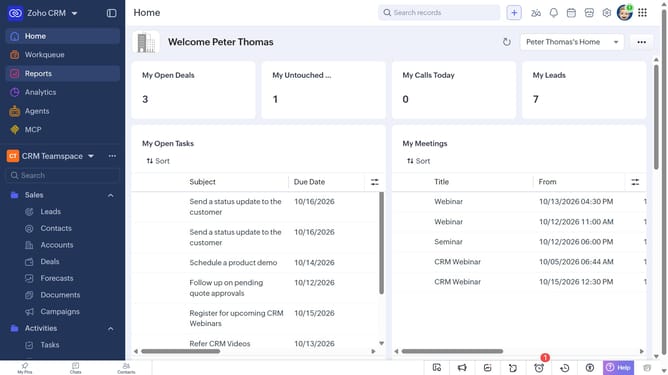
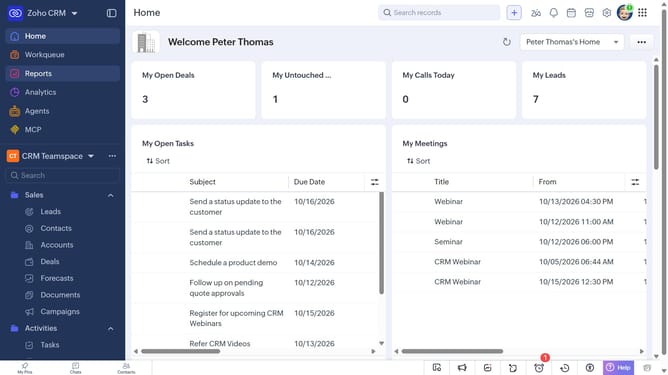
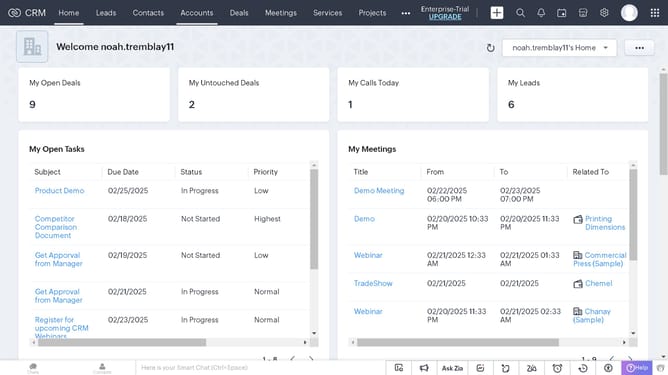
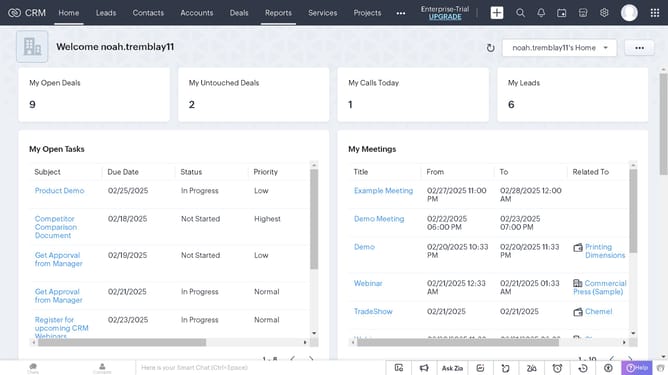
- First click on "Reports" in the left sidebar
- Next click on the "All Reports" dropdown
- Then select "Account and Contact Reports" in the dropdown list
- The list now shows reports related to accounts and contacts
Why should you How to view account and contact reports on Zoho CRM
Zoho CRM is a powerful tool designed to streamline customer relationship management and boost business efficiency.
Viewing account and contact reports on Zoho CRM offers a seamless way to understand customer interactions and business trends. This feature enables you to analyze vital data and gain insights into customer behaviors.
By accessing these reports, you can make informed decisions, tailor marketing strategies, and enhance customer relationships. This streamlined access to information ensures your business stays ahead and adapts proactively to market needs.
Last update