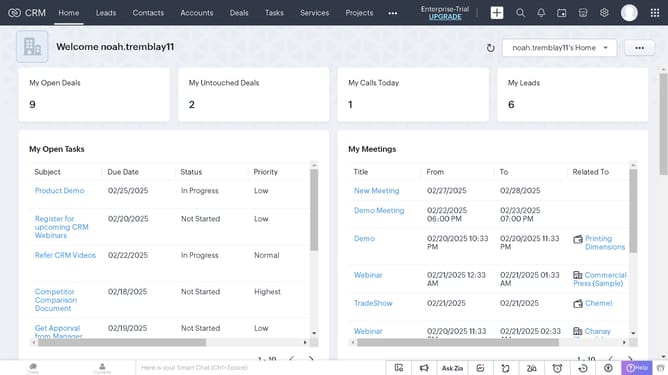
How to view vendor reports on Zoho CRM
Here is how to view vendor reports on zoho crm
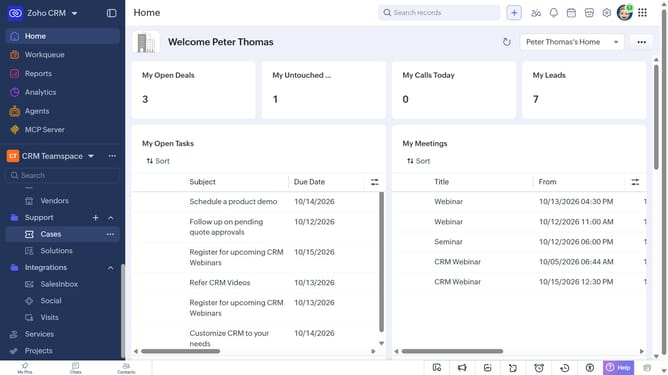
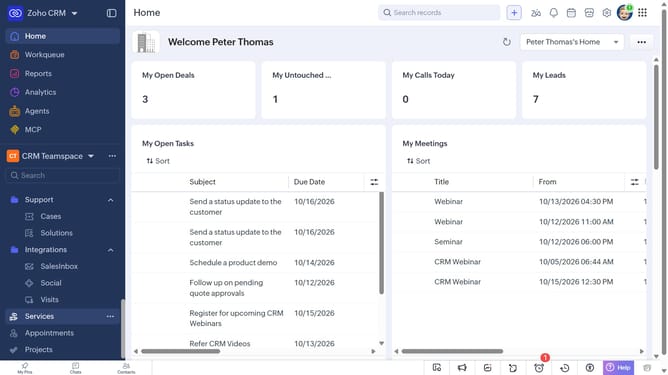
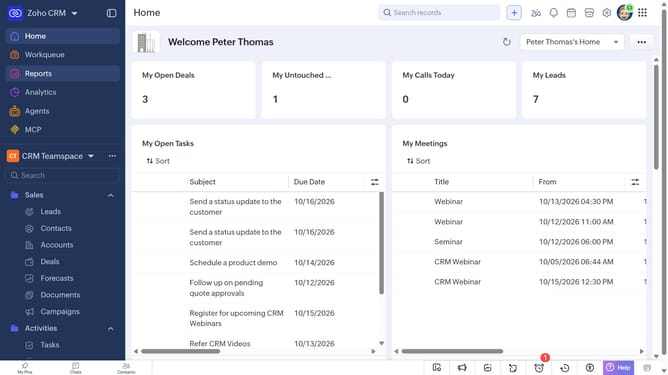
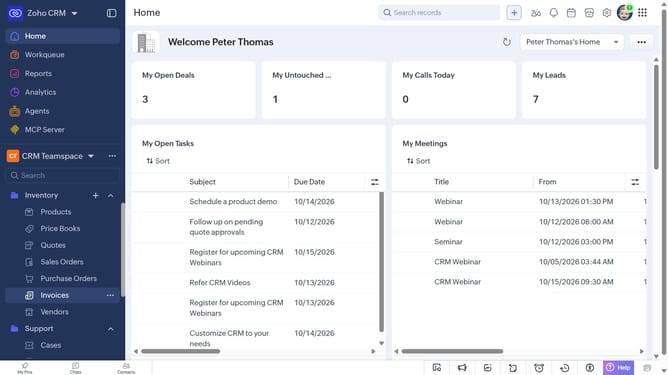
- First click on "Reports" in the left sidebar
- Next click on the "All Reports" dropdown
- Then select "Vendor Reports" in the dropdown list
- The list now shows reports related to vendors
Why should you How to view vendor reports on Zoho CRM
Zoho is an all-in-one business software platform designed to streamline your operations and enhance productivity.
Viewing vendor reports on Zoho CRM is a breeze, offering a clear snapshot of vendor interactions and performance. This feature enables businesses to assess vendor effectiveness quickly, ensuring seamless supply chain management.
Accessing these reports provides deep insights, helping refine purchasing strategies and fostering better vendor relationships. With such comprehensive data at your fingertips, decision-making becomes efficient and informed.
Last update