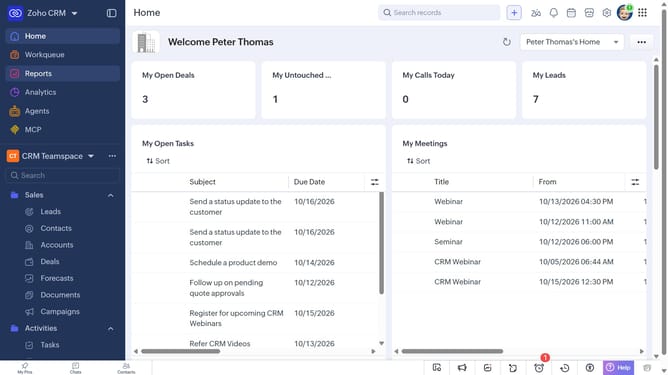
How to sort services on Zoho CRM
Here is how to sort services on zoho crm
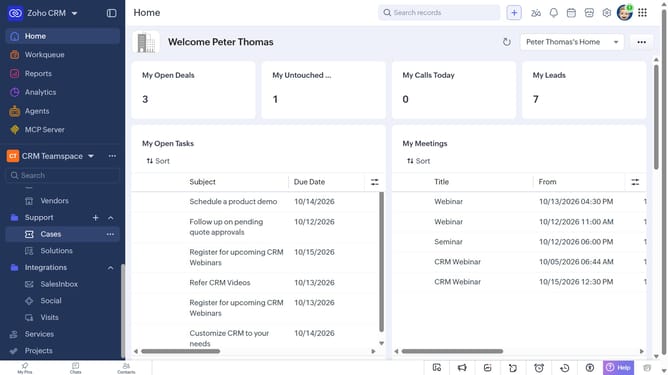
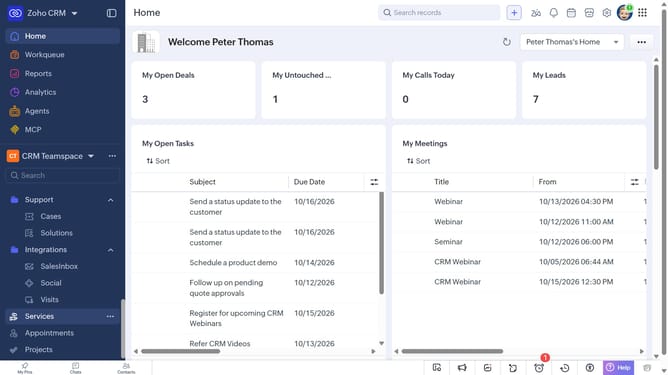
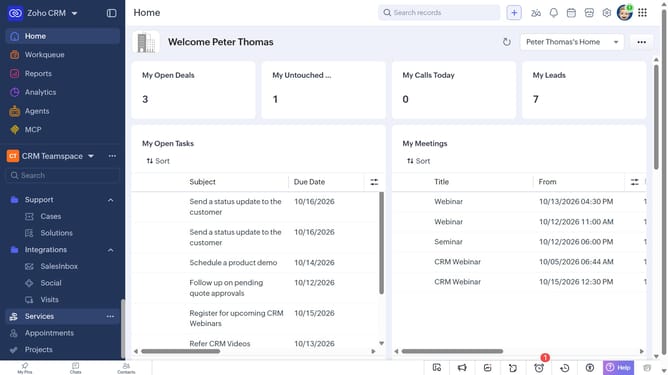
- First, click on "Services" in the left sidebar menu
- Next, click on the "Sort" button in the top menu
- After that, click on the "Sort By" dropdown
- Then select the option you want to sort by
- Next, choose whether to sort in Ascending or Descending order
- Finally click on the "Apply" button
Why should you How to sort services on Zoho CRM
Zoho CRM is a powerful tool designed to streamline business processes by managing customer relationships efficiently.
Sorting services on Zoho CRM enhances the user experience by allowing you to organize and prioritize information seamlessly. This feature enables users to swiftly locate specific services using various criteria, ensuring that key data is always accessible without hassle.
By efficiently sorting services, businesses can improve workflow, reduce time spent on administrative tasks, and focus on building productive relationships with their clients.
Last update