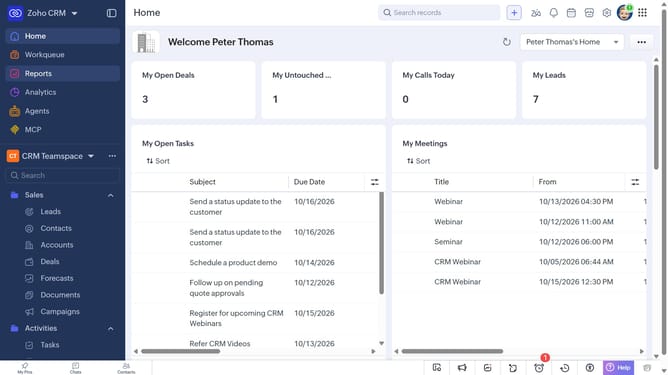
How to create a task for a case on Zoho CRM
Here is how to create a task for a case on zoho crm
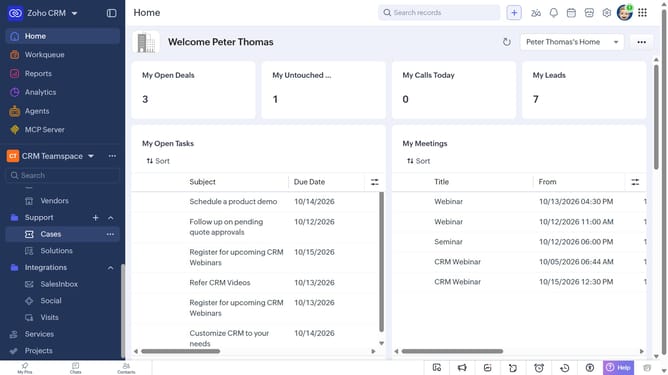
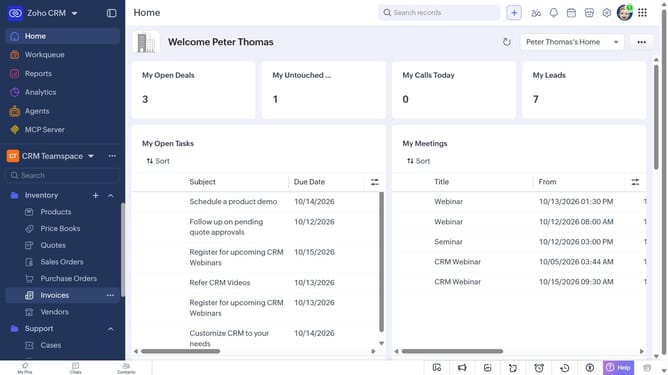
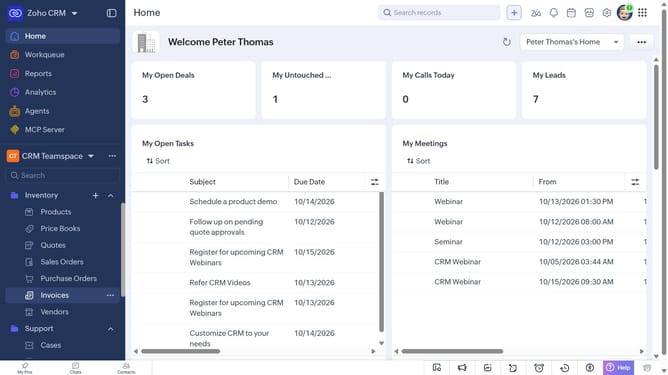
- First, click on "Cases" under "Support" in the left sidebar menu
- Next, locate the case you want to create a task for
- Click on the "More options" button next to the case
- Select "Create Task" from the dropdown menu
- Then, enter the task details
- Finally, click on the "Save" button
Why should you How to create a task for a case on Zoho CRM
Zoho CRM is a dynamic platform designed to streamline business processes and enhance customer relationships.
Creating a task for a case in Zoho CRM allows users to efficiently manage follow-ups and ensure nothing falls through the cracks. This feature integrates seamlessly with case management, offering a structured way to handle inquiries and resolve issues with precision.
By organizing tasks within cases, teams can prioritize, delegate, and track responsibilities effortlessly. This ensures timely responses, improves customer satisfaction, and boosts productivity by keeping everyone in the loop.
Last update