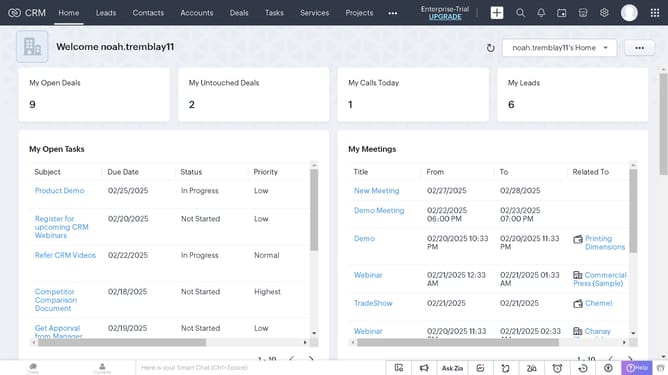
How to schedule a call for a case on Zoho CRM
Here is how to schedule a call for a case on zoho crm
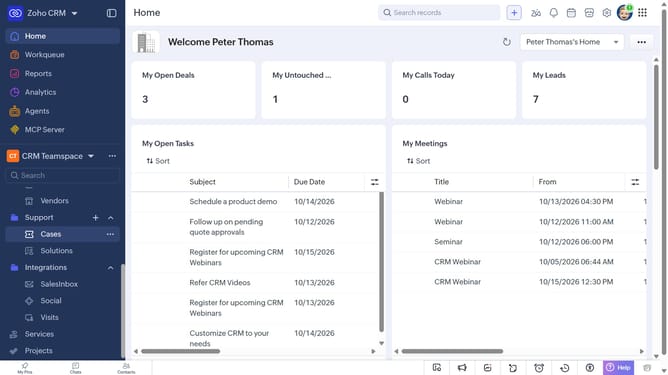
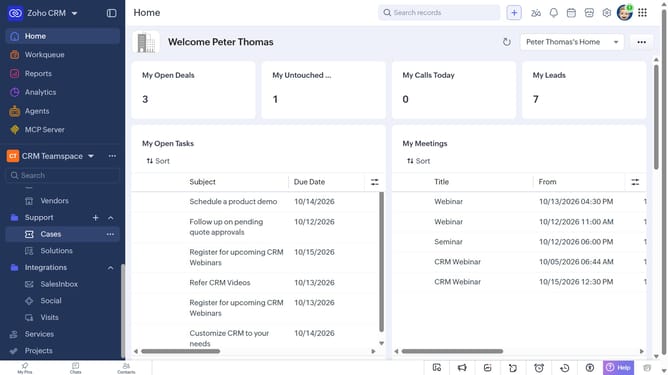
- First, click on "Cases" under "Support" in the left sidebar menu
- Next, locate the case you want to schedule a call for
- Click on the "More options" button next to the case
- After that, click on "More"
- Next, click on the "Create Call" option
- Then click on "Schedule a call"
- Then, enter the call details in the "Schedule a call" modal
- Finally, once you're done, click on the "Schedule" button
Why should you How to schedule a call for a case on Zoho CRM
Zoho CRM is a powerful tool designed to streamline customer relationship management by optimizing and automating routine processes.
One of the standout features is the ability to schedule calls for cases efficiently. This ensures that every customer query is addressed promptly, maintaining high client satisfaction and seamless communication.
By scheduling calls, you save valuable time, reduce the need for back-and-forth communication, and ensure that all stakeholders are on the same page. This organized approach enhances productivity, leading to more meaningful interactions and stronger client relationships.
Last update