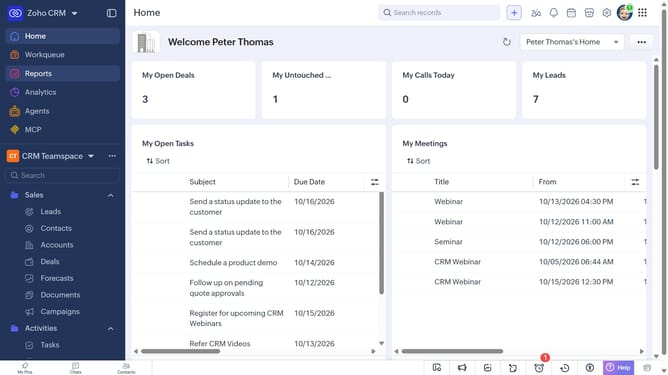
How to view campaign reports on Zoho CRM
Here is how to view campaign reports on zoho crm
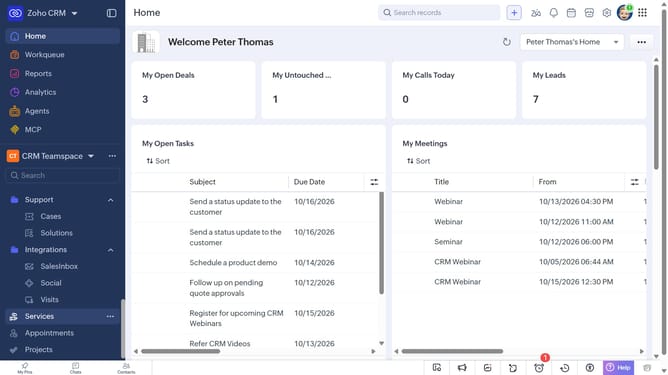
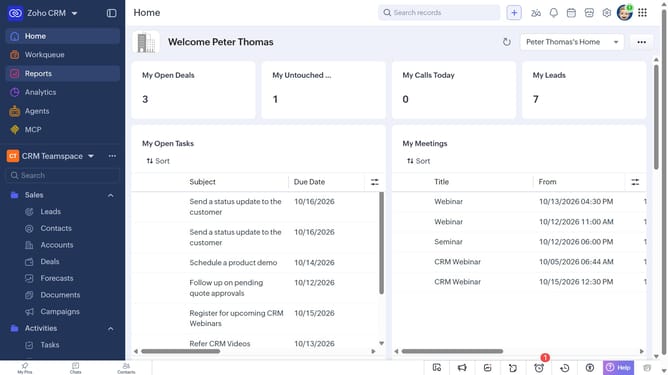
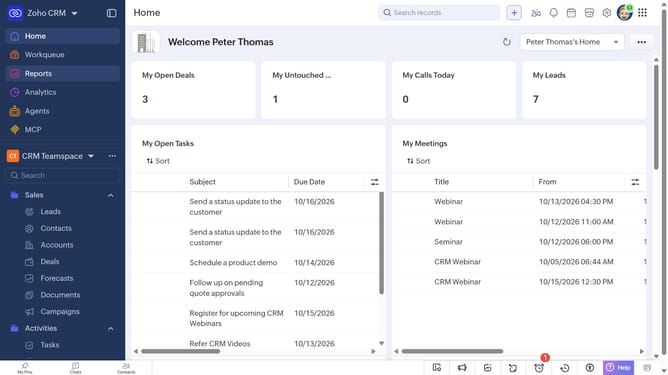
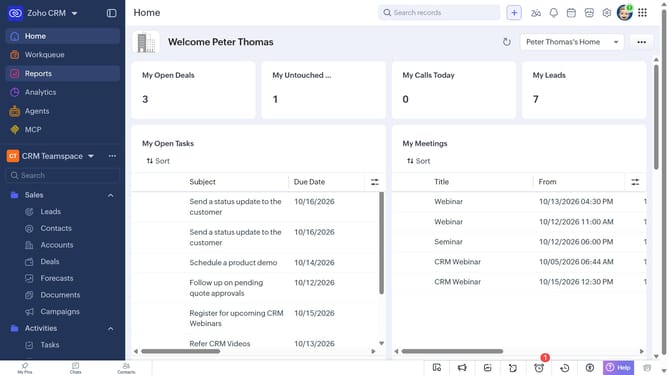
- First click on "Reports" in the left sidebar
- Next click on the "All Reports" dropdown
- Then select "Campaign Reports" in the dropdown list
- The list now shows reports related to campaigns
Why should you How to view campaign reports on Zoho CRM
Zoho CRM is a comprehensive platform designed to streamline business processes and enhance customer relationships.
Among its powerful features, Zoho CRM offers the ability to view detailed campaign reports, providing users with valuable insights into their marketing efforts.
By utilizing this feature, businesses can easily assess the effectiveness of their campaigns, understand customer engagement, and make informed decisions to optimize future strategies.
This capability empowers teams with actionable data, ultimately driving better marketing outcomes and fostering stronger customer connections.
Last update