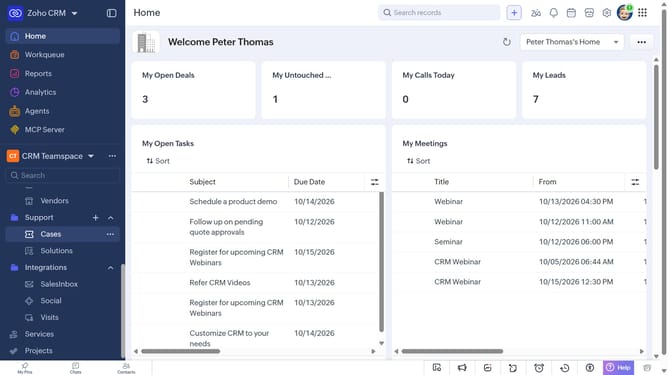
How to filter services on Zoho CRM
Here is how to filter services on zoho crm
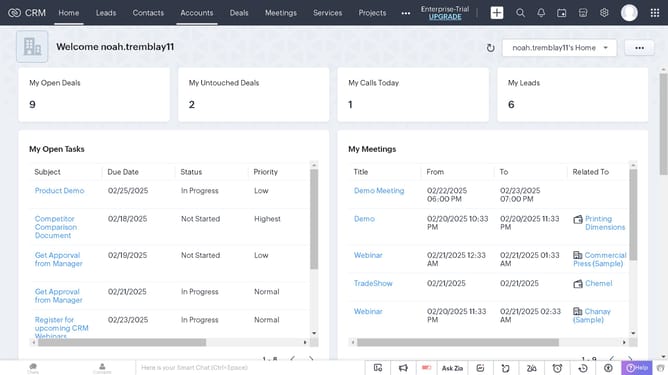
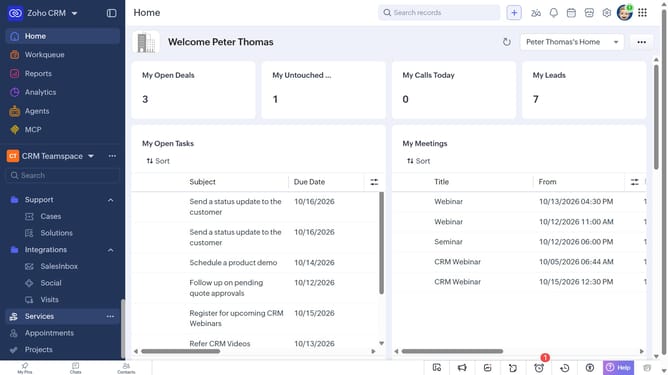
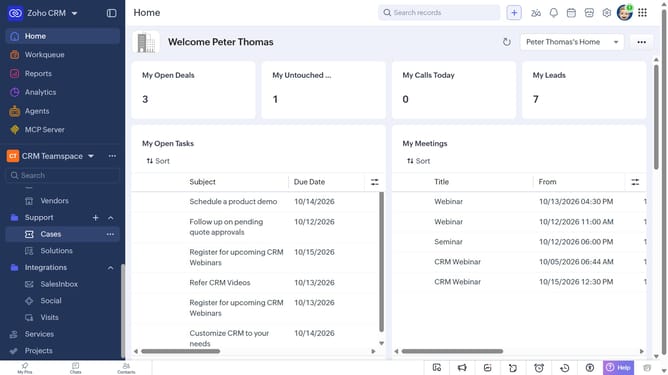
- First, click on "Services" in the left sidebar menu
- Next, click on the "Filter" button in the top menu
- In the "Filter Services by" panel, select the options you want to filter by
- Then, set the filter condition and values
- Finally, click on the "Apply Filter" button
Why should you How to filter services on Zoho CRM
Zoho CRM is an innovative platform designed to streamline customer relationship management and enhance business efficiency.
Filtering services in Zoho CRM allows users to tailor their view, ensuring they can focus on the most relevant data. This feature enhances productivity by helping you quickly identify necessary information without sifting through unrelated details.
The benefit of using this filtering feature is the ability to enhance decision-making and improve customer interactions. It ensures that teams spend less time searching and more time taking meaningful actions, driving success and growth.
Last update