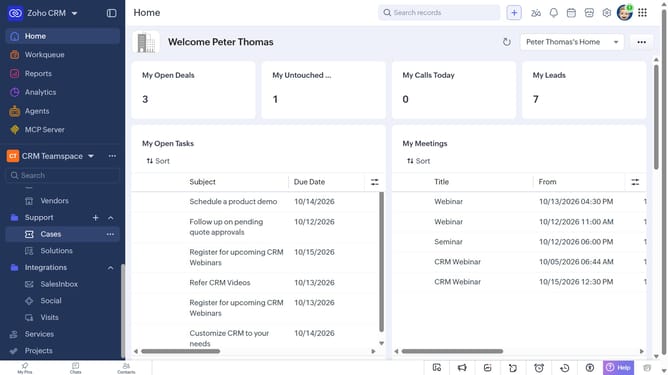
How to edit a case on Zoho CRM
Here is how to edit a case on zoho crm
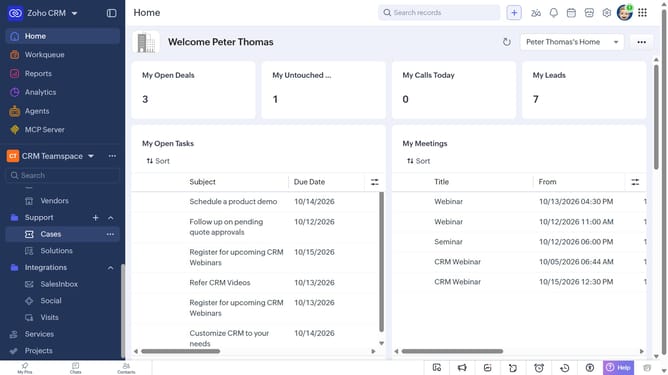
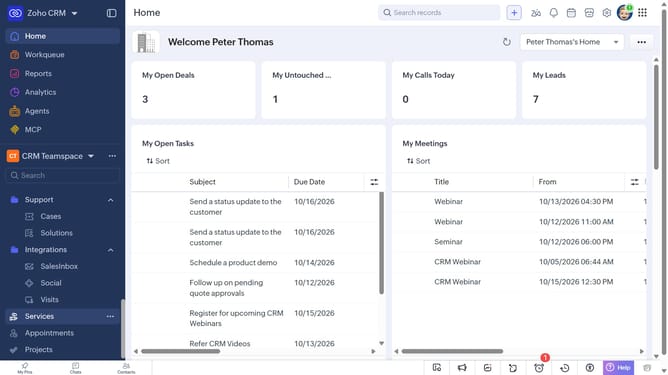
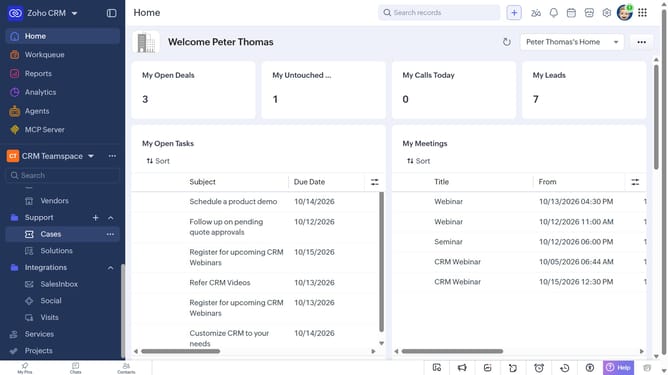
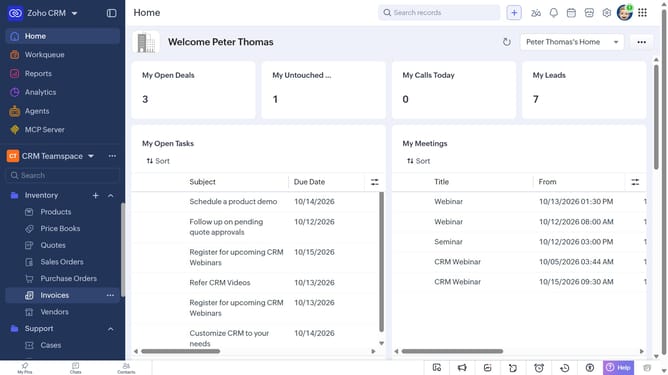
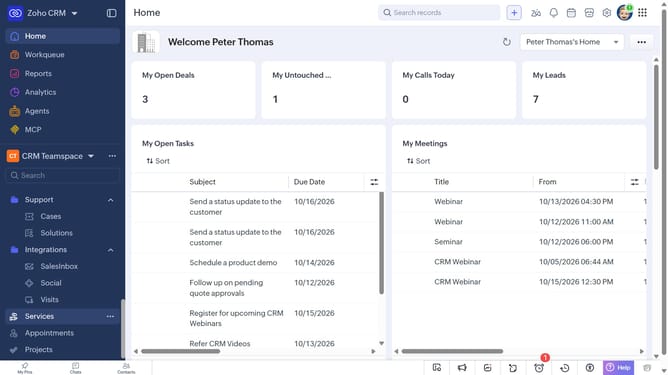
- First, click on "Cases" under "Support" in the left sidebar menu
- Next, click on the case you want to edit
- Click on the "Edit" button in the top right corner
- Then, make the necessary changes to the case details
- Finally, click on the "Save" button
Why should you How to edit a case on Zoho CRM
Zoho is a comprehensive suite designed to streamline business processes with its advanced CRM solutions.
Editing a case in Zoho CRM simplifies the way you manage customer interactions. This feature allows you to effortlessly update case details, ensuring your team has the most current information at their fingertips.
By maintaining accurate and up-to-date case records, you enhance collaboration among team members, leading to more efficient problem-solving and improved customer satisfaction.
The ability to edit cases ensures your business remains responsive and agile, adapting to the dynamic needs of your clients and driving success.
Last update