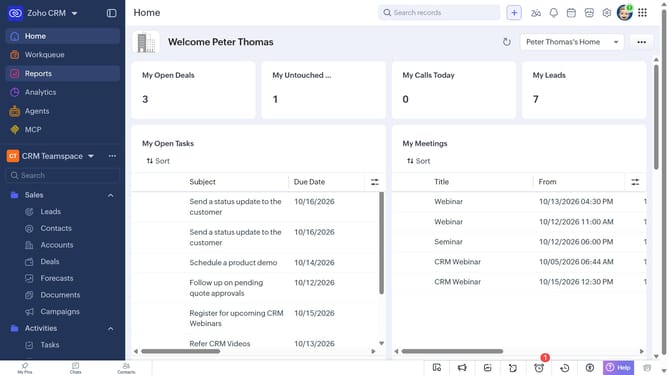
How to view recently viewed reports on Zoho CRM
Here is how to view recently viewed reports on zoho crm
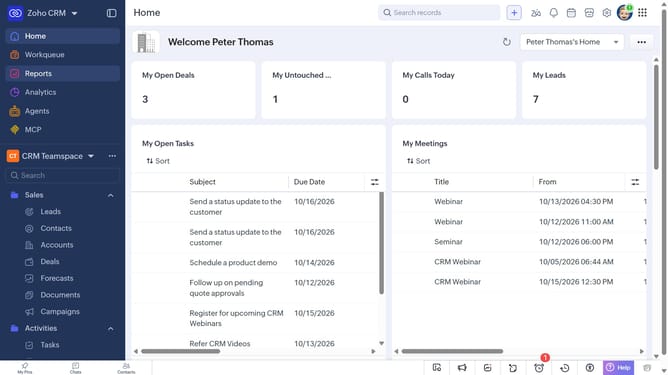
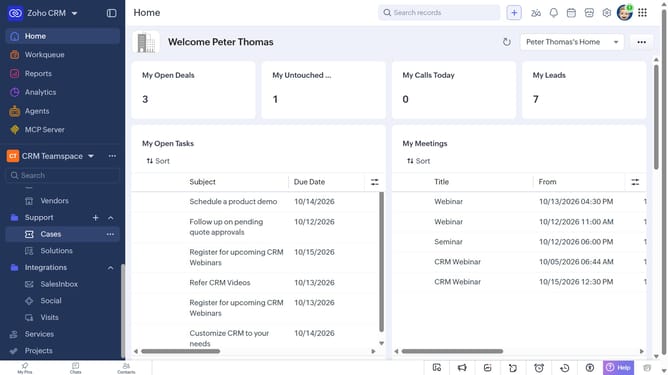
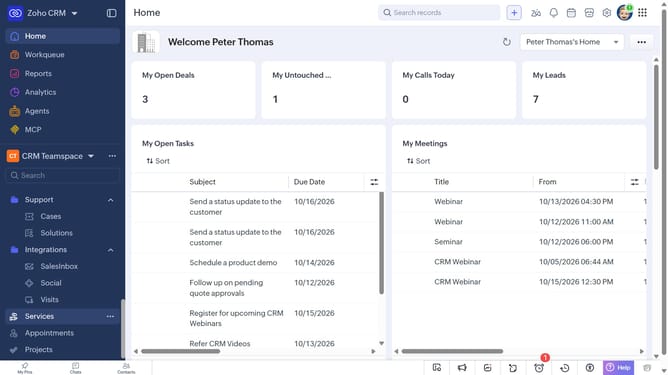
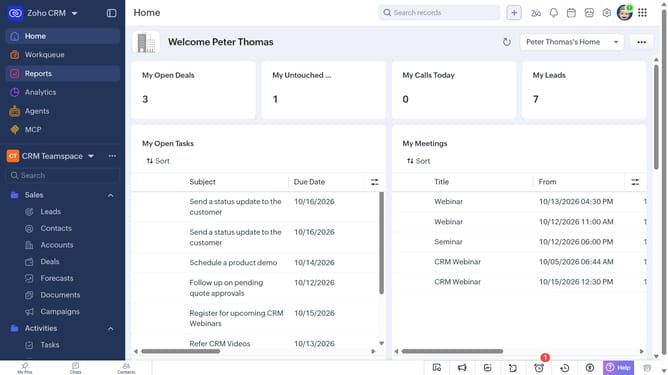
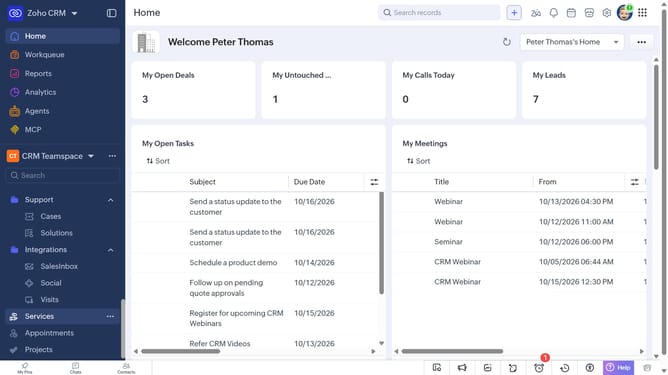
- First click on "Reports" in the left sidebar
- Then click on the "All Reports" dropdown
- Then select "Recently Viewed" in the dropdown list
- The list now shows the reports that have been viewed recently
Why should you How to view recently viewed reports on Zoho CRM
Zoho CRM, a robust platform, empowers businesses with tools for seamless customer relationship management.
Among its many features, the ability to view recently viewed reports stands out for enhancing workflow efficiency. This feature allows users to quickly access key insights without searching, making data analysis and decision-making faster.
By having immediate access to recent reports, teams can maintain focus and continuity, streamlining productivity. Users benefit from this time-saving tool, which ensures that the most relevant information is always at their fingertips.
Last update