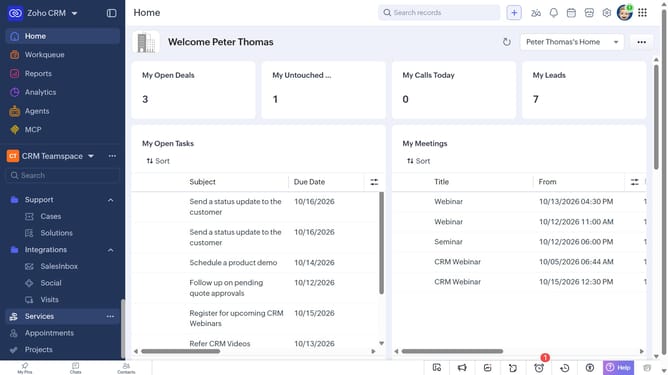
How to view invoice reports on Zoho CRM
Here is how to view invoice reports on zoho crm
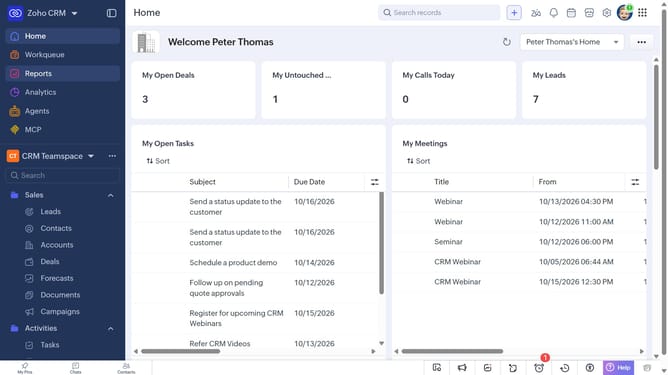
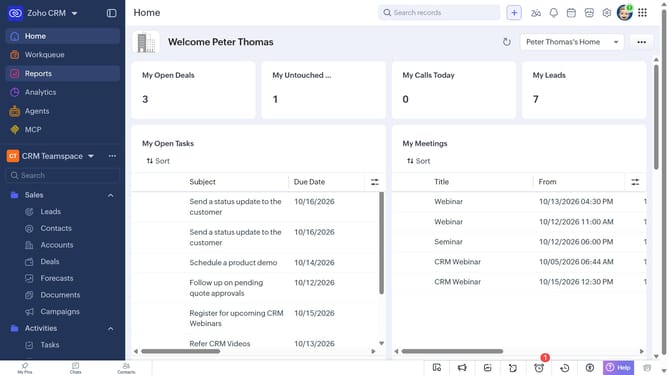
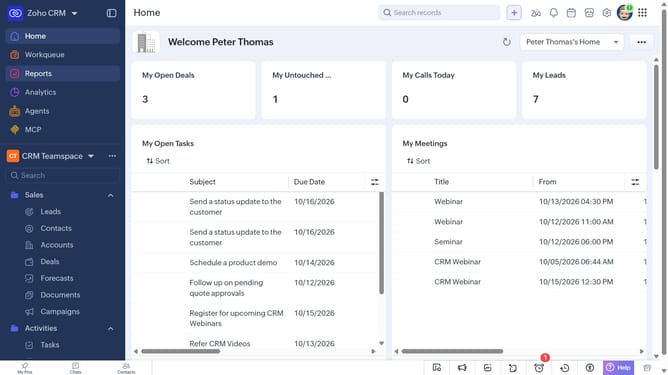
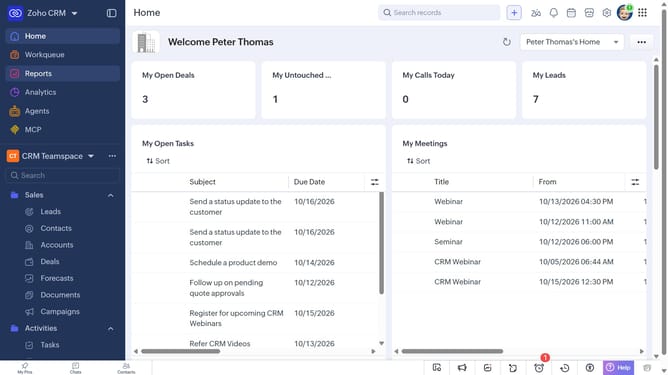
- First click on "Reports" in the left sidebar
- Next click on the "All Reports" dropdown
- Then select "Invoice Reports" in the dropdown list
- The list now shows reports related to invoices
Why should you How to view invoice reports on Zoho CRM
Zoho, a comprehensive suite of business applications, streamlines operations and enhances productivity.
Viewing invoice reports on Zoho CRM is a seamless experience, offering users clear insights into financial interactions. This feature brings transparency and precision, allowing businesses to efficiently track billing details and ensure accurate payment records.
With easy access to invoice reports, organizations can analyze financial trends, make informed decisions, and optimize cash flow management. This enhances financial oversight, bolstering strategic planning and improving overall business health.
Last update