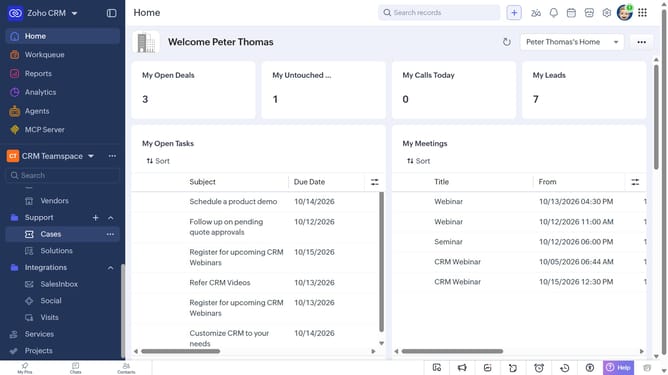
How to copy a service record URL on Zoho CRM
Here is how to copy a service record url on zoho crm
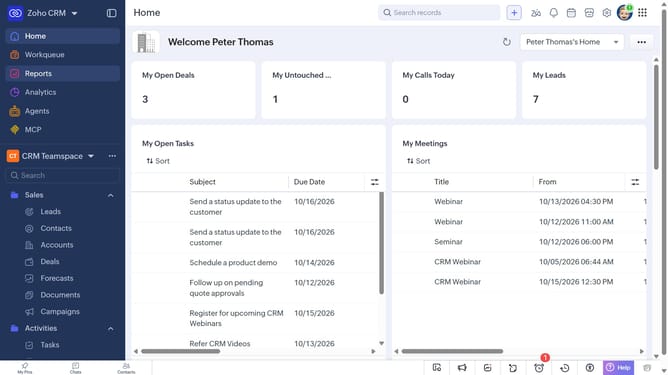
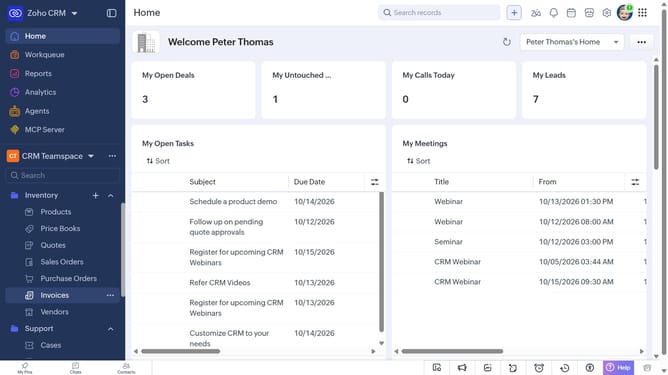
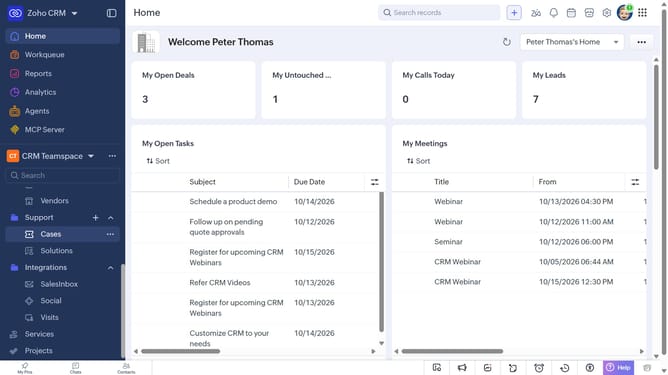
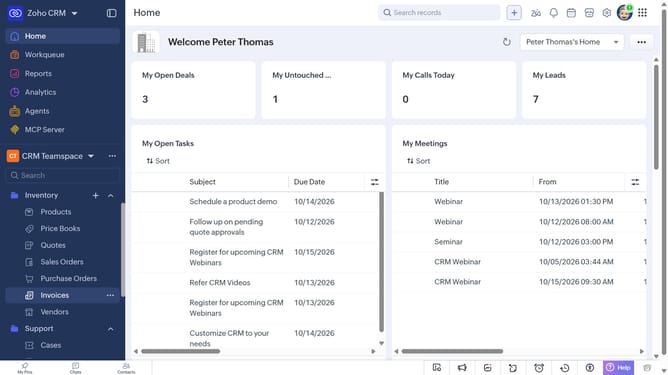
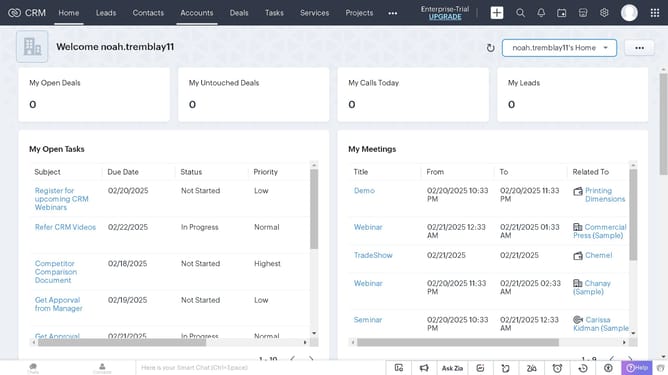
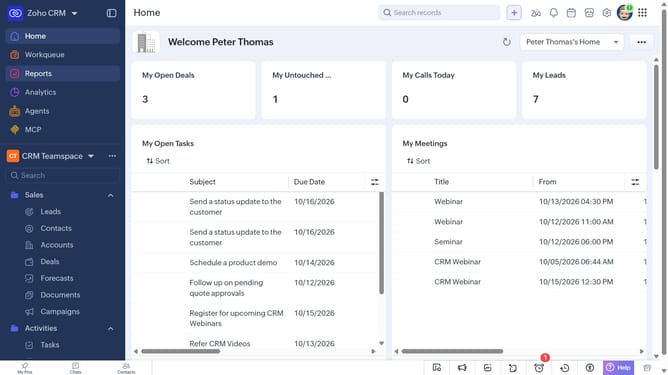
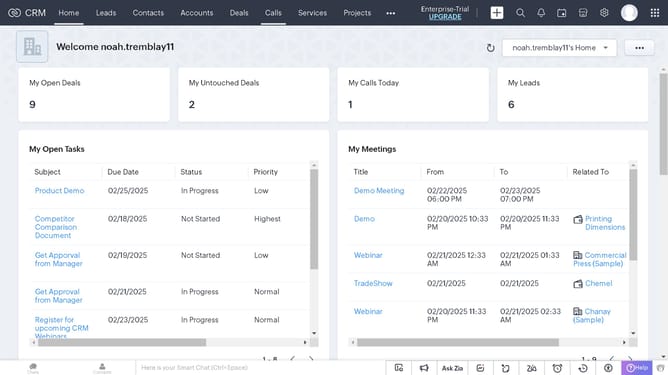
- First, click on "Services" in the left sidebar menu
- Next, locate the service whose URL you want to copy
- Then, click on the "More options" button next to the service
- Finally, select "Copy URL" from the dropdown menu
Why should you How to copy a service record URL on Zoho CRM
Zoho CRM is a dynamic platform designed to streamline customer relationship management, empowering businesses to build and maintain strong connections with their clients.
One standout feature is the ability to copy a service record URL effortlessly. This feature allows team members to share specific records efficiently, enhancing collaboration and communication.
By using this feature, teams can quickly access relevant information, ensuring a seamless workflow and faster decision-making. It empowers users to stay informed and connected, streamlining processes and boosting productivity.
This capability is essential for maintaining a centralized and cohesive approach to managing customer data, ultimately leading to better service and improved customer satisfaction.