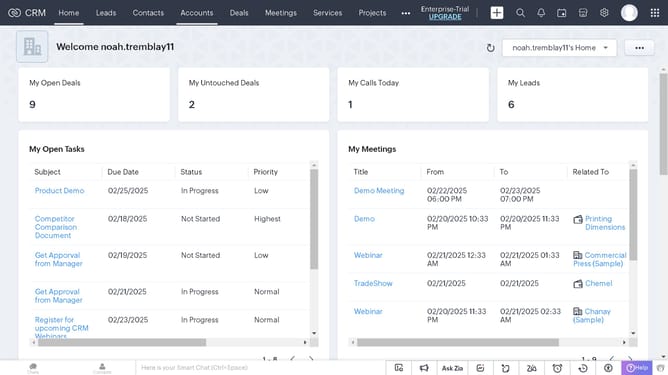
How to log a call for an invoice on Zoho CRM
Here is how to log a call for an invoice on zoho crm
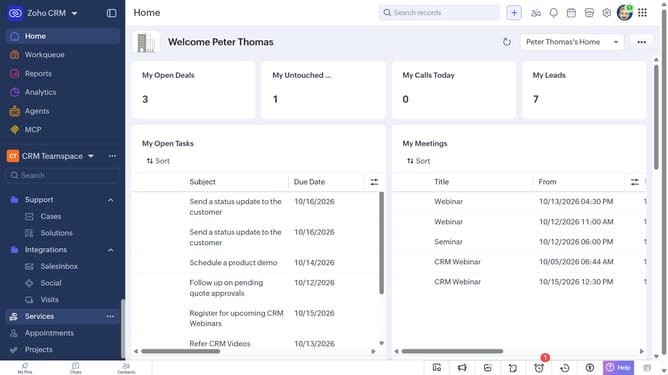
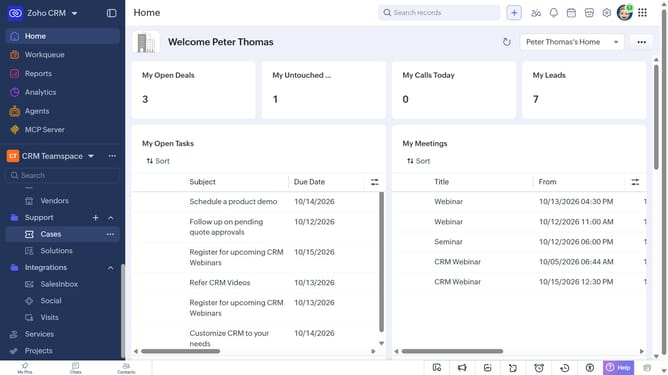
- First, click on "Invoices" under "Inventory" in the left sidebar menu
- Next, locate the invoice you want to log a call for
- Click on the "More options" button next to the invoice
- After that, click on "More"
- Next, click on the "Create Call" option
- Then select the "Log a call" option
- Then, enter the call details in the "Log a call" modal
- Finally, once you're done, click on the "Save" button
Why should you How to log a call for an invoice on Zoho CRM
Zoho CRM is a powerful tool designed to streamline business operations by simplifying customer relationship management.
Logging a call for an invoice in Zoho CRM is a smart feature that enhances your tracking capabilities. By having a detailed record of every conversation related to an invoice, you can ensure accuracy and clarity in your financial interactions.
This feature offers a comprehensive view of your customer communication history, promoting better business decisions. Utilizing such tools helps maintain organized records, fostering trust and efficiency with clients.
Last update