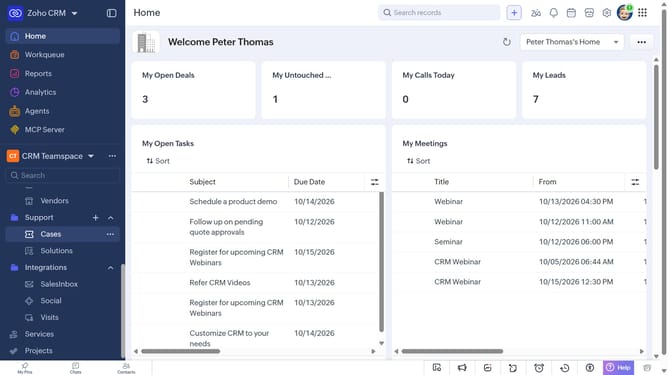
How to create a task for an invoice on Zoho CRM
Here is how to create a task for an invoice on zoho crm
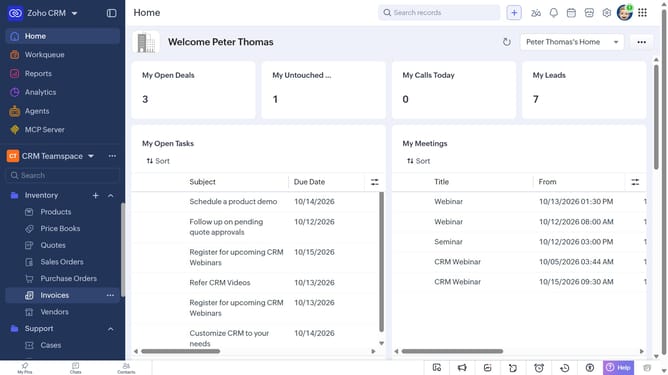
- First, click on "Invoices" under "Inventory" in the left sidebar menu
- Next, locate the invoice you want to create a task for
- Click on the "More options" button next to the invoice
- Select "Create Task" from the dropdown menu
- Then, enter the task details, such as the subject, due date, priority, and more
- Finally, click on the "Save" button
Why should you How to create a task for an invoice on Zoho CRM
Zoho CRM is a powerful and intuitive platform that streamlines business processes and enhances customer relationships.
Creating a task for an invoice on Zoho CRM helps businesses streamline their workflow by tracking actions related to financial transactions. This feature ensures that crucial steps, like reviewing or following up on invoices, are never overlooked.
Utilizing this feature allows teams to maintain seamless coordination, ultimately boosting productivity and client satisfaction by keeping everything organized and on schedule. This results in more efficient operations and improved cash flow management.
Last update