How to view lead reports on Zoho CRM
Here is how to view lead reports on zoho crm
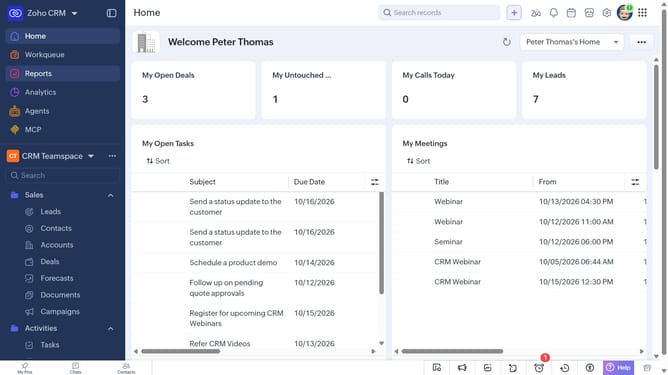
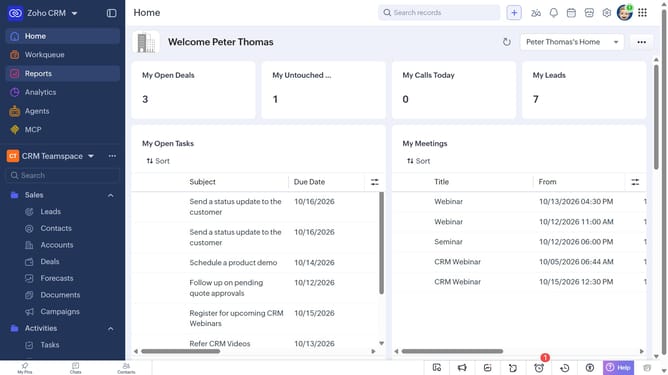
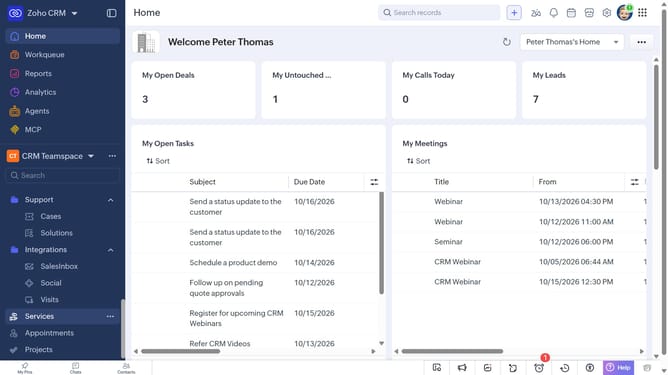
- First click on "Reports" in the left sidebar
- Next click on the "All Reports" dropdown
- Then select "Lead Reports" in the dropdown list
- The list now shows reports related to leads
Why should you How to view lead reports on Zoho CRM
Zoho is a versatile suite of online applications designed to streamline your business operations efficiently.
Viewing lead reports on Zoho CRM is a powerful feature that offers valuable insights into your sales pipeline, helping you make informed decisions.
By accessing these reports, you can track lead sources, conversion rates, and sales performance over time. This clarity aids in identifying strengths and areas for improvement.
Utilizing lead reports enhances your team's productivity, aligns sales strategies, and ultimately drives better business results.
Last update