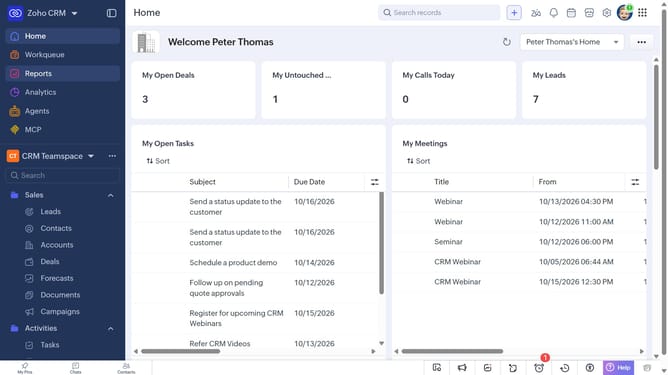
How to export cases on Zoho CRM
Here is how to export cases on zoho crm
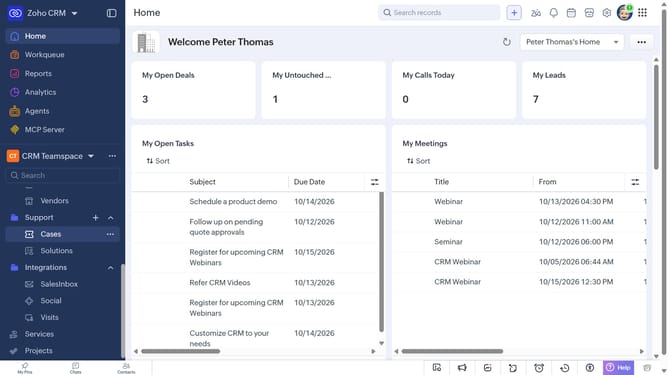
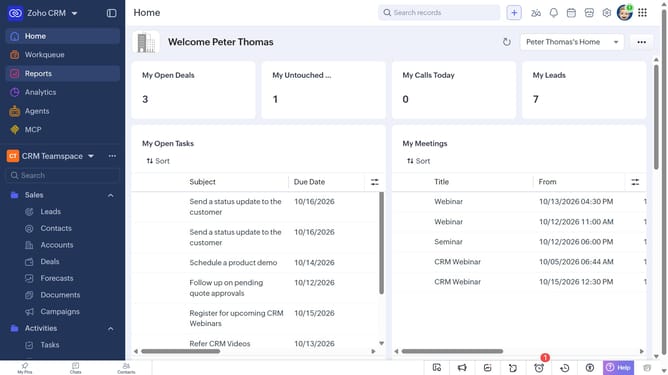
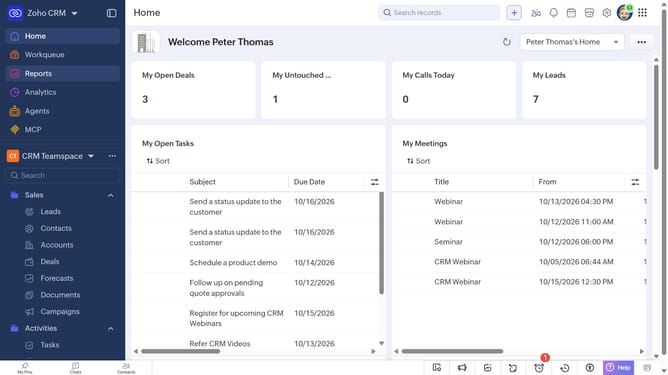
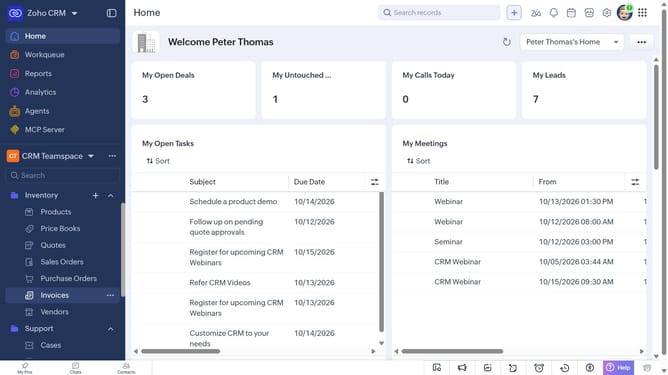
- First, click on "Cases" under "Support" in the left sidebar menu
- Next, click on the "More Options" button next to "Create Case"
- Select "Export Cases" from the dropdown menu
- In the "Export Case" dialog, click on the "Fields to Export" dropdown
- Choose whether to export all fields or only the fields from the custom view
- Then, choose the file type
- Next, toggle the "Set Password" switch on or leave it off
- Finally, click on the "Export" button
Why should you How to export cases on Zoho CRM
Zoho CRM is a comprehensive platform designed to streamline your sales, marketing, and customer support activities.
The export cases feature on Zoho CRM is a valuable tool for businesses looking to efficiently manage their customer interactions. By exporting cases, you can seamlessly organize, analyze, and share customer data across different platforms.
This feature enhances your ability to assess customer interactions, improve response strategies, and optimize your team’s performance. Utilizing this feature can lead to better decision-making and an enriched customer experience.
Last update