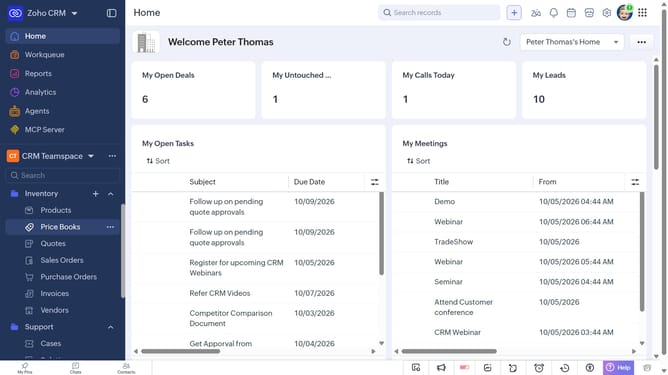
How to view unconfirmed users in the user list on Zoho CRM
Here is how to view unconfirmed users in the user list on zoho crm
- First click on your avatar profile in the top right corner
- Next, click on "Users" under the "General" section
- Then, click the filter dropdown in the user list
- Finally, select "Unconfirmed Users" from the dropdown list
Why should you How to view unconfirmed users in the user list on Zoho CRM
Zoho CRM is a powerful tool designed to streamline customer relationship management for businesses of all sizes.
One standout feature within Zoho CRM is the ability to effortlessly view unconfirmed users in your user list. This feature helps you keep track of user onboarding by clearly identifying those who haven't completed their registration process.
Utilizing this feature ensures efficiency in user management, allowing teams to follow up promptly, maintain accurate records, and enhance team productivity. It's a practical way to ensure no potential user slips through unnoticed, ultimately bolstering your CRM strategy.
Last update