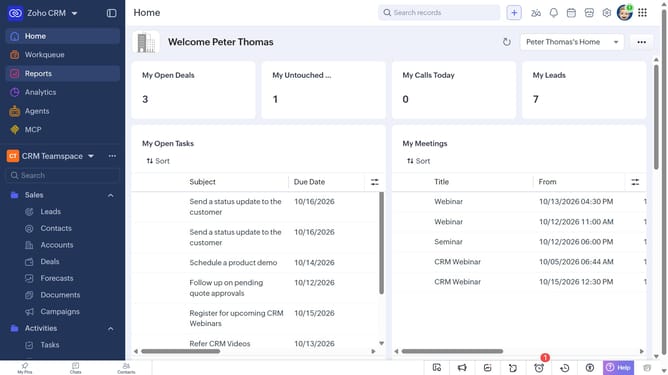
How to create tasks for contacts in bulk on Zoho CRM
Here is how to create tasks for contacts in bulk on zoho crm
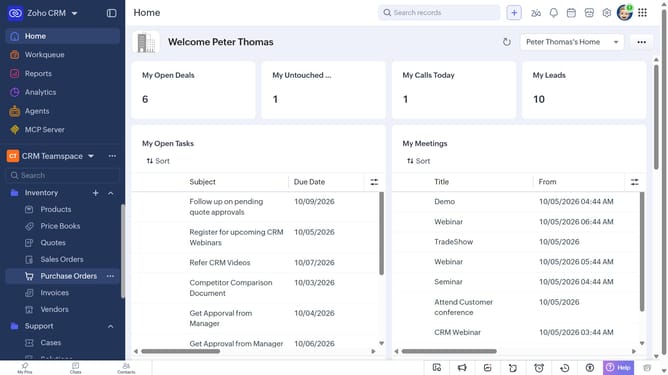
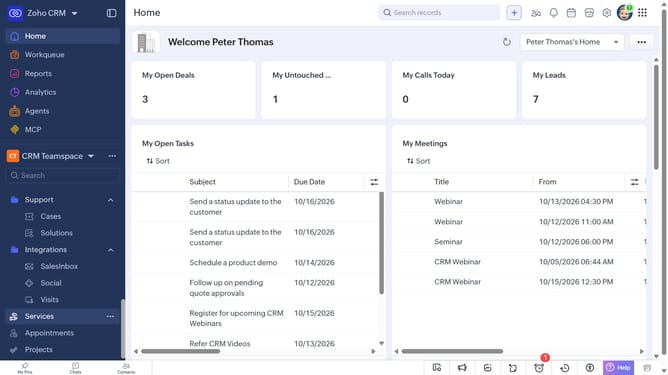
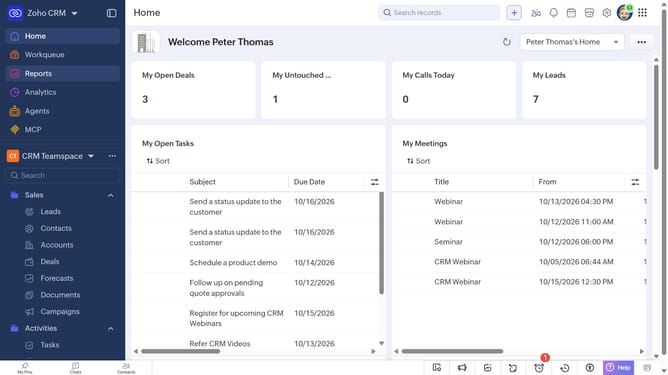
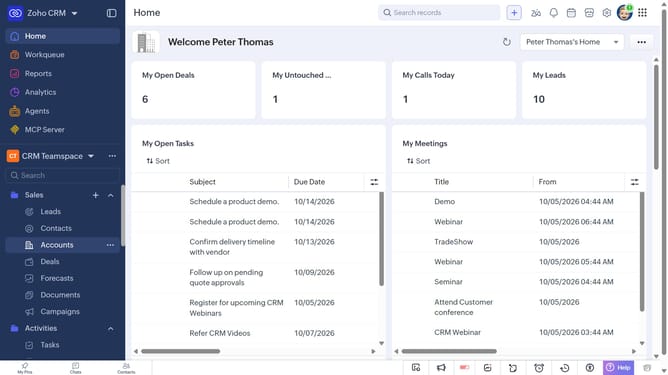
- First, click on "Contacts" under "Inventory" in the left sidebar menu
- Locate the contacts you want to create tasks for
- Next, select the checkboxes next to each record
- Click on the "More Options" button at the top of the list
- Select "Create Task" from the dropdown menu
- Then, enter the task details, such as the subject, due date, priority, and more
- Finally, click on the "Save" button
Why should you How to create tasks for contacts in bulk on Zoho CRM
Zoho CRM, a comprehensive tool for managing customer relationships, streamlines business interactions with ease.
One of its powerful features is the ability to create tasks for contacts in bulk. This enhancement allows users to efficiently organize and assign tasks without manually entering them for each contact. Such efficiency can save teams valuable time and ensure no client is overlooked.
By using this feature, businesses can improve productivity, maintain consistency in follow-ups, and enhance customer satisfaction, empowering teams to focus on strategic priorities rather than repetitive data entry.
Last update