How to export purchase orders on Zoho CRM
Here is how to export purchase orders on zoho crm
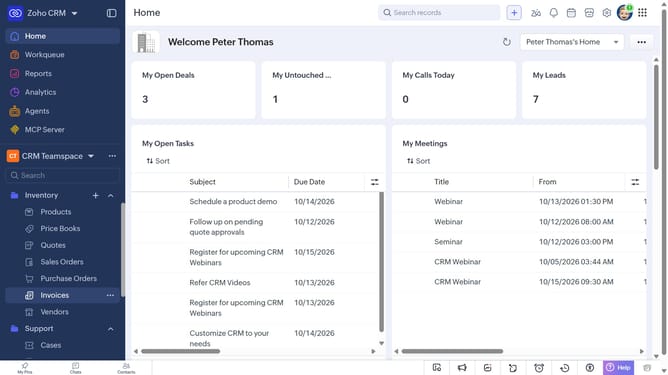
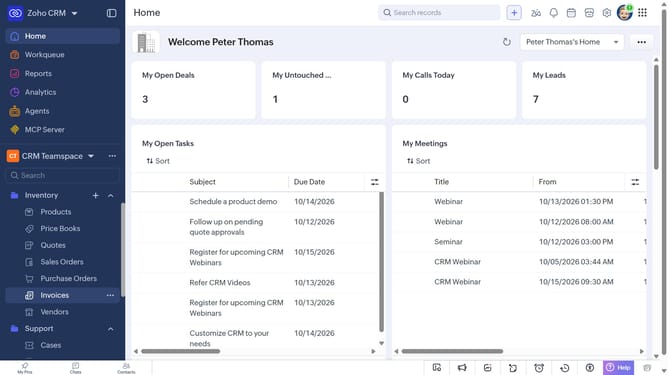
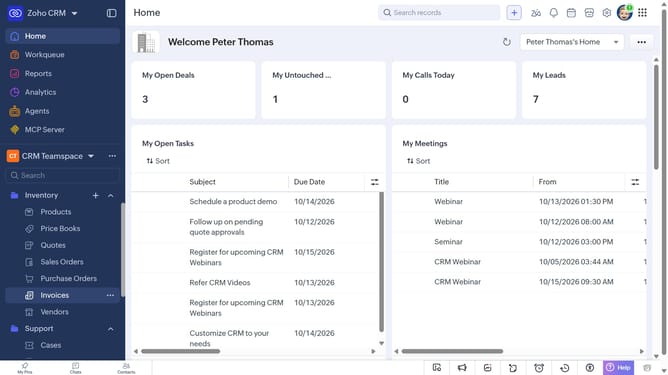
- First, click on "Purchase Orders" under "Inventory" in the left sidebar menu
- Next, click on the "More Options" button next to "Create Purchase Order"
- Select "Export Purchase Orders" from the dropdown menu
- In the "Export Purchase Order" dialog, click on the "Fields to Export" dropdown
- Choose whether to export all fields or only the fields from the custom view
- Then, choose the file type
- Next, toggle the "Set Password" switch on or leave it off
- Finally, click on the "Export" button
Why should you How to export purchase orders on Zoho CRM
Zoho CRM, an intuitive customer relationship management platform, streamlines business processes and enhances customer engagement.
The feature of exporting purchase orders on Zoho CRM offers users a seamless way to manage their transaction records. By allowing easy export options, businesses can efficiently organize and analyze purchase data. This enhances decision-making and financial planning.
Utilizing this export feature simplifies reporting and ensures accurate record-keeping. It empowers teams to work smarter, freeing up valuable time for more strategic tasks, ultimately contributing to increased productivity and focus on core business goals.
Last update